How to create a LoRA dataset from one image
You can build a full character LoRA dataset from a single reference photo by generating identity-consistent variations, captioning each one, and exporting images with caption files. This guide walks through that process in LoRA Dataset, which is free to use with your own Google Gemini API key, and shows what a sample output looks like.
Published 5 September 2026 · 3 min read
Step 1: how do you choose the reference photo?
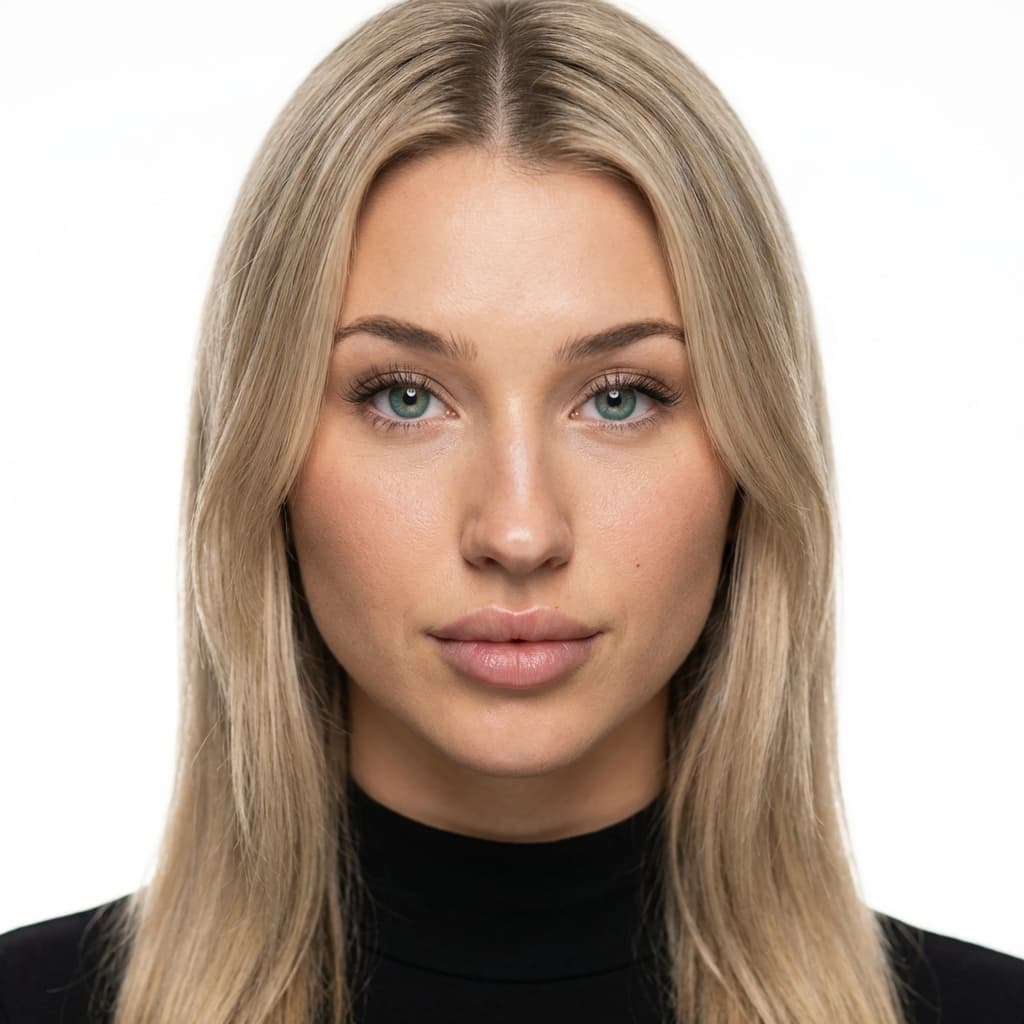
The whole dataset inherits the identity in this one image, so pick carefully. Use a sharp, well-lit photo where the face is clearly visible and roughly frontal or slightly angled, with no sunglasses, heavy filters, or second person. A neutral to mild expression gives the generator the most room to vary expression later. If your character is AI-generated, pick the single render you are happiest with and treat it as canon.
Step 2: how do you add your Gemini API key?
LoRA Dataset is free and runs on your own Google Gemini API key. Create a key in Google AI Studio, then paste it into the dashboard. The key is stored in your browser only and is sent along with each generation request; Google bills your account for the model usage. You can revoke the key in Google at any time.
Step 3: what does identity extraction produce?
Upload the reference. The app analyses it into a structured character profile: age range, ethnicity, body type, hair style and colour, eye colour, distinguishing features, and a short natural-language identity summary. Read this profile and correct anything the model got wrong. Every later variation is generated against it, so a wrong hair colour here becomes a wrong hair colour everywhere.
Step 4: how are the variations generated?
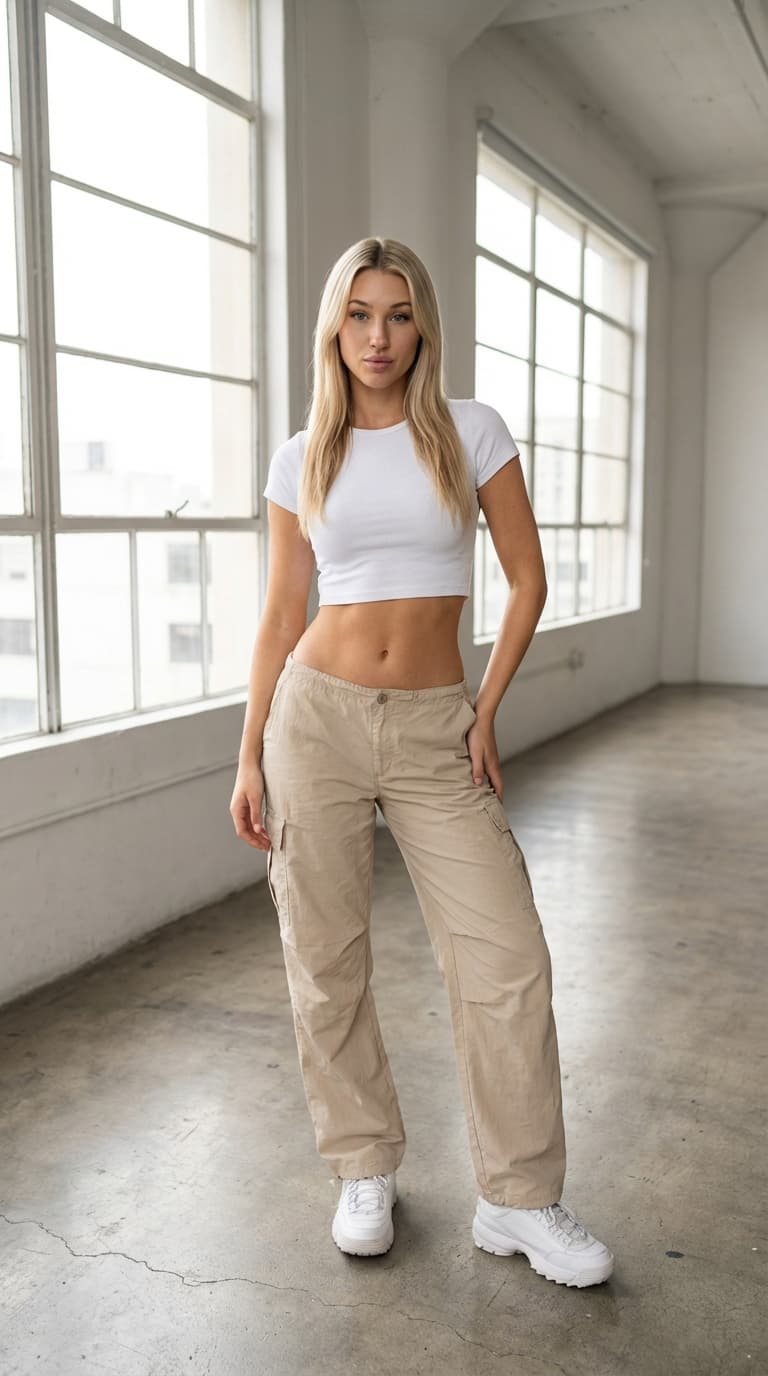
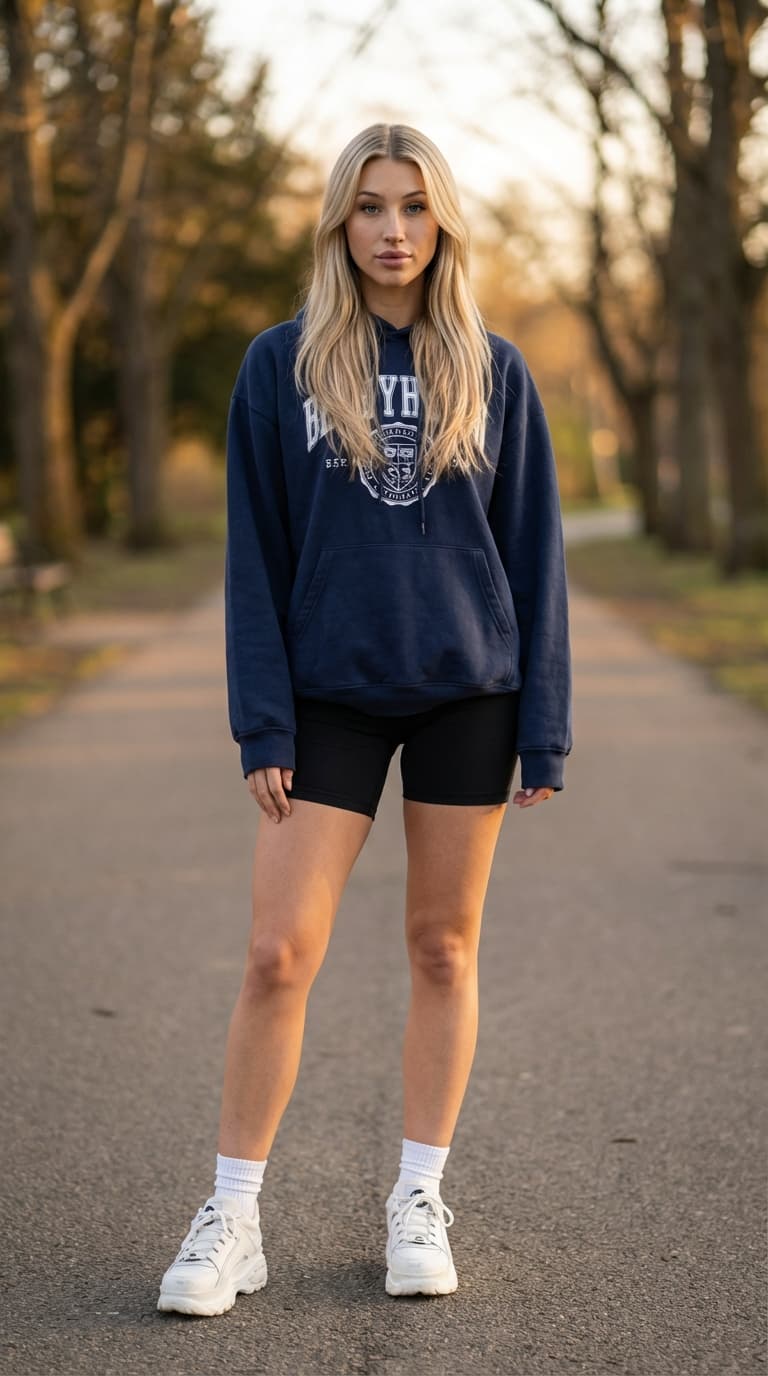
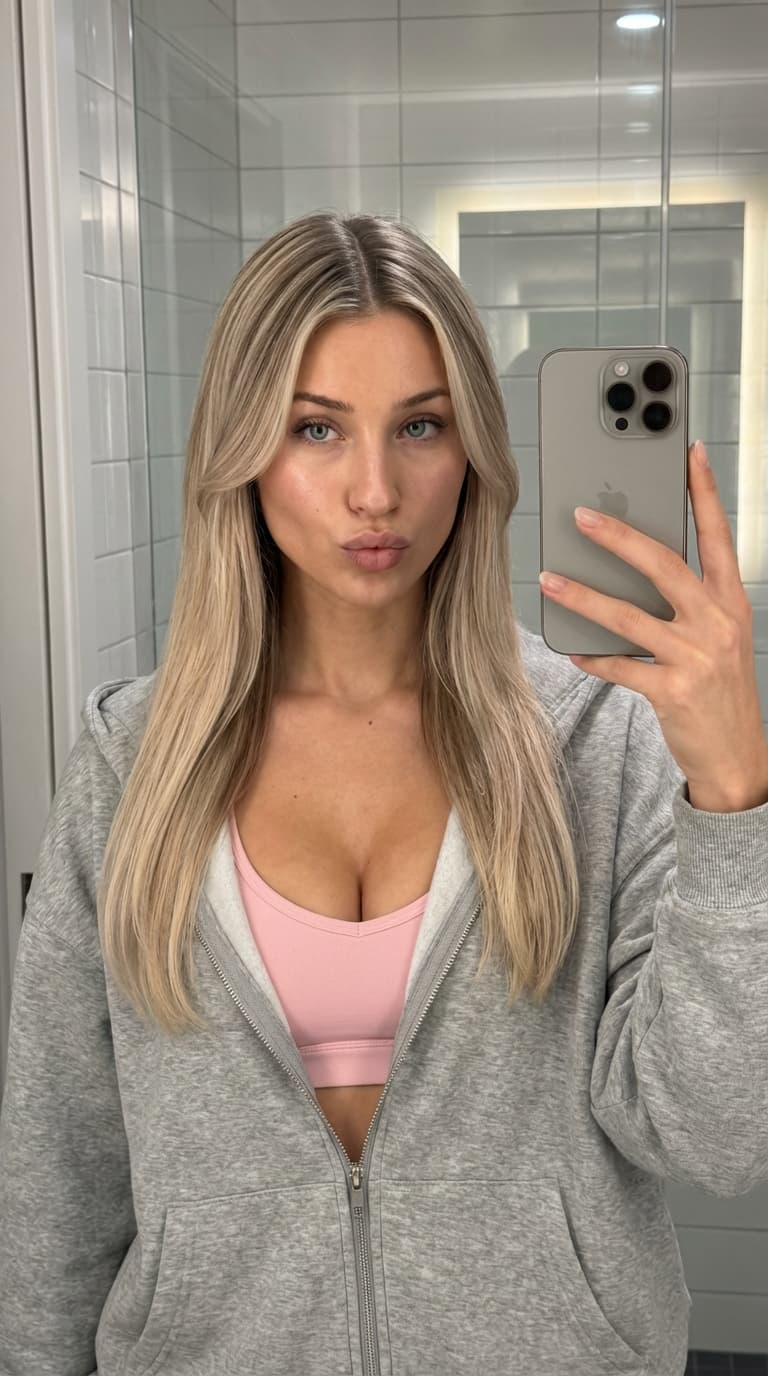
Start a generation batch. The diversity engine plans a set of shots across framings (close-up, half-body, full-body), camera angles, lighting conditions, outfits, and settings, then generates each one while holding the identity profile constant. Twenty or more variations is the usual first batch. Each is queued and processed in the background, so you can leave the page and come back.
Step 5: how do you review, regenerate, and caption?
Look at the results as a contact sheet. Remove or regenerate anything where the face drifted, the framing is wrong, or an artefact appeared. Every kept image gets an automatically written caption: trigger word first, then the variable attributes, setting, and lighting. Edit captions where the captioner named something incorrectly. This is the last point where a bad image can be stopped from teaching your LoRA the wrong thing.
Step 6: what does the export contain?
Download the dataset as a zip. Inside are PNG images and a caption text file for each, sharing the same basename, which is the layout Kohya sd-scripts, ai-toolkit, and the Civitai on-site trainer all read. The trainer format guide covers where to put the folder or zip.
Step 7: how do you train and test?
Train on your chosen base model with a modest number of repeats and epochs, saving a checkpoint each epoch. Test each checkpoint on a fixed grid of prompts that change angle, lighting, and outfit while keeping the seed constant, and pick the epoch where identity is stable before quality declines. If faces drift at angles, add angled variations and retrain. The identity-drift guide covers the diagnosis.
What does the output look like?
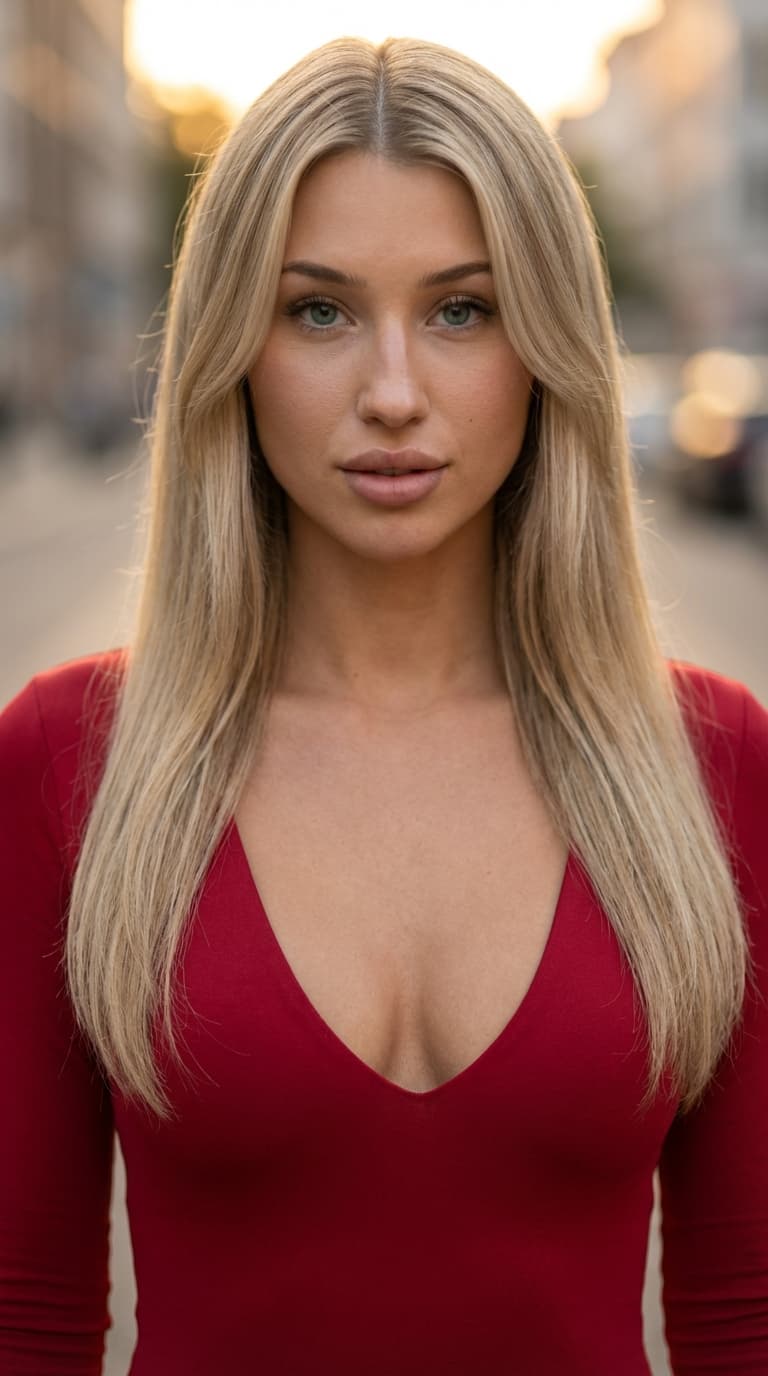
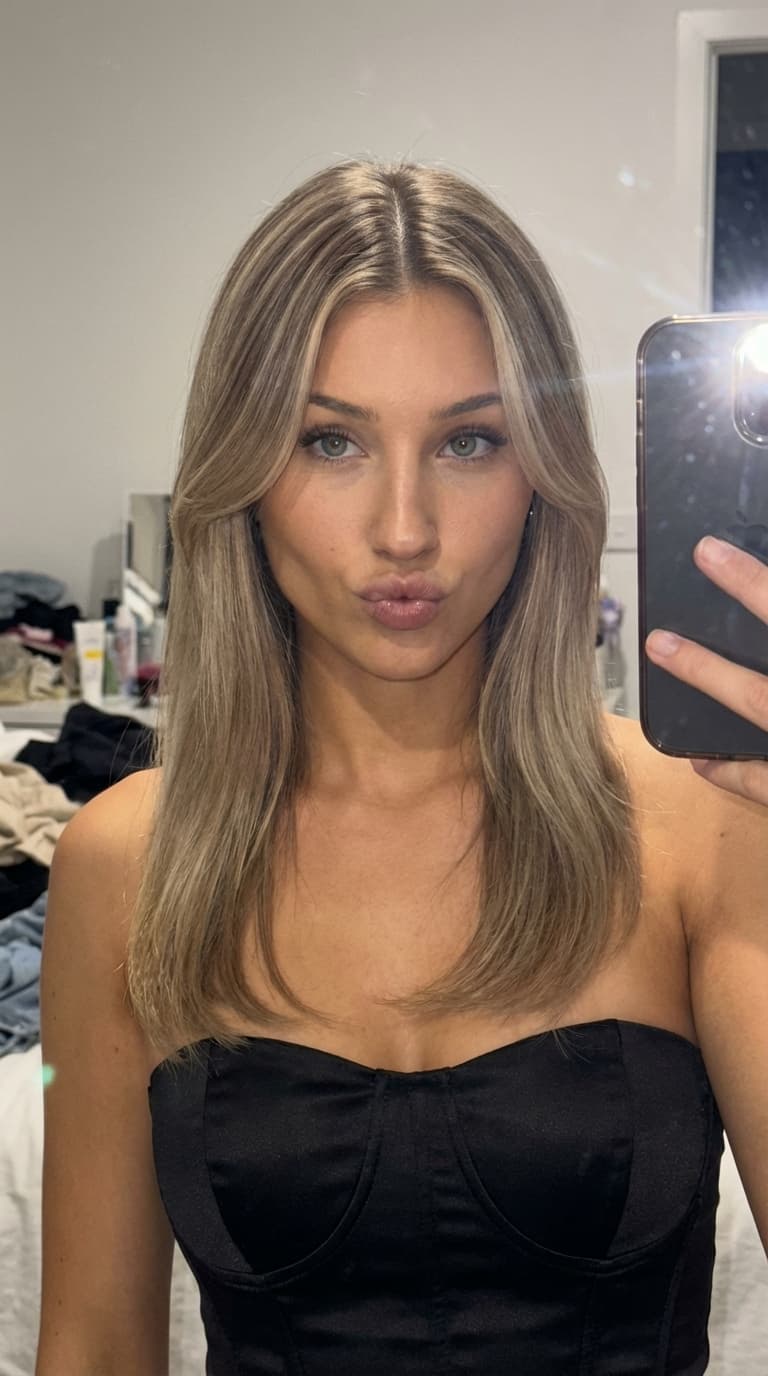
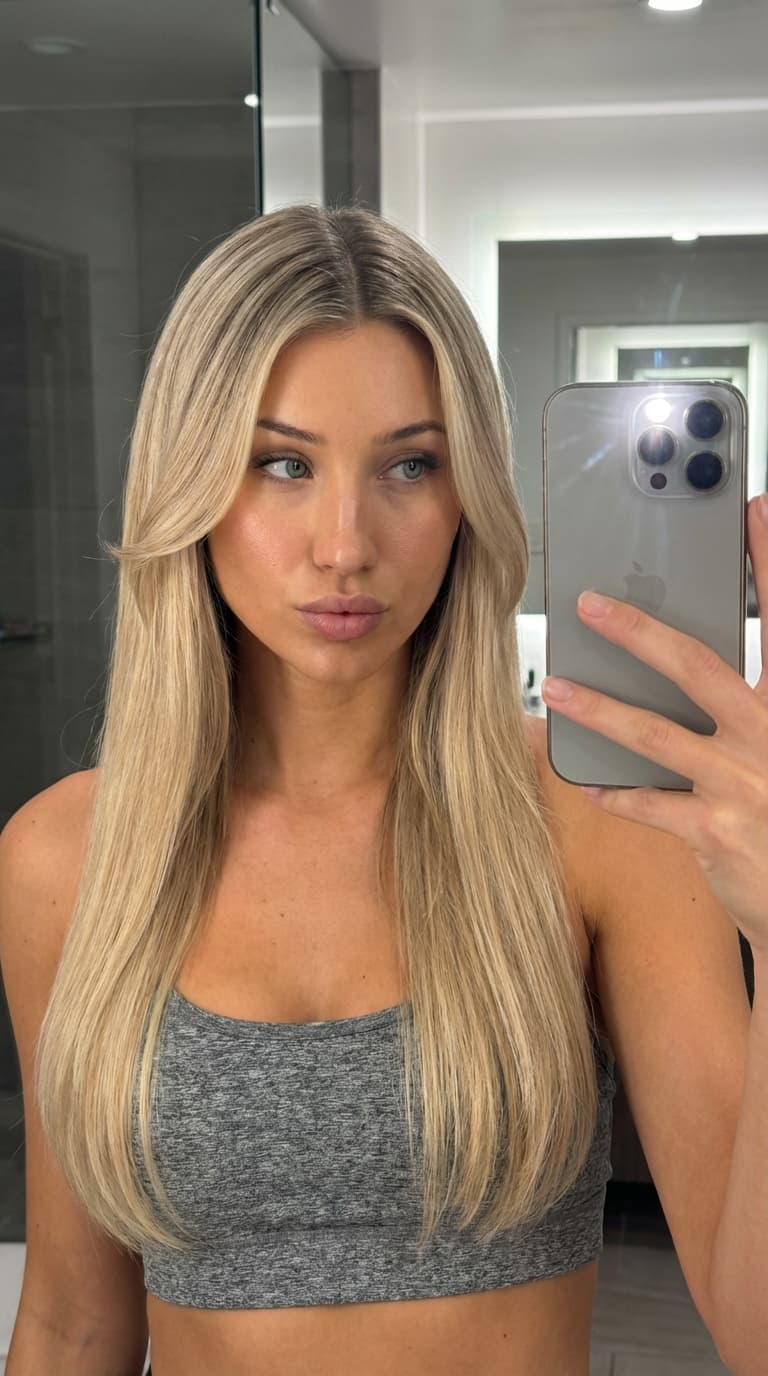
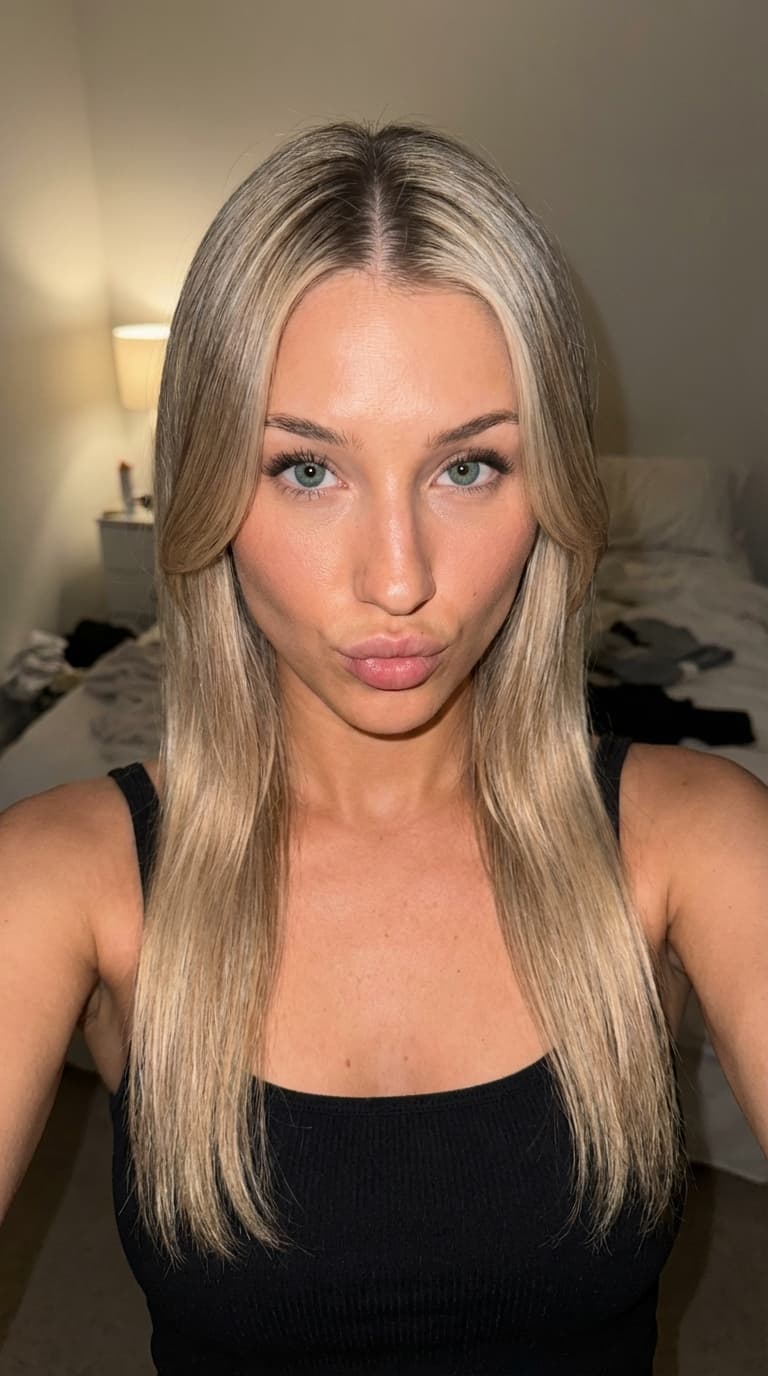
One reference image (first tile) and variations generated and captioned by LoRA Dataset. The prompts change framing, setting, outfit, and lighting while the identity profile stays fixed.
Frequently asked questions
- How long does the whole process take?
- Identity extraction takes under a minute. A batch of twenty variations depends on Gemini API throughput and queue load, typically minutes rather than hours. Review and caption editing is the part worth spending time on.
- What does it cost?
- The tool is free. Google bills your account for the Gemini image and text calls used to generate and caption the variations, at the rates on the Gemini API pricing page.
- Can I use a photo of a real person?
- Only with their explicit consent, and never for impersonation. The terms prohibit non-consensual use of a real likeness, and reports are reviewed by a human.