- Clothing LoRA
- Outfit
- Masked loss
- Captioning
- Flux
- SDXL
- Dataset prep
Train a Clothing LoRA Without the Face
Use 20–40 shots of the same garment on different people, mask faces, plus a garment trigger. Flux vs SDXL settings so it learns the outfit, not the wearer.
Why clothing LoRAs copy the model's face
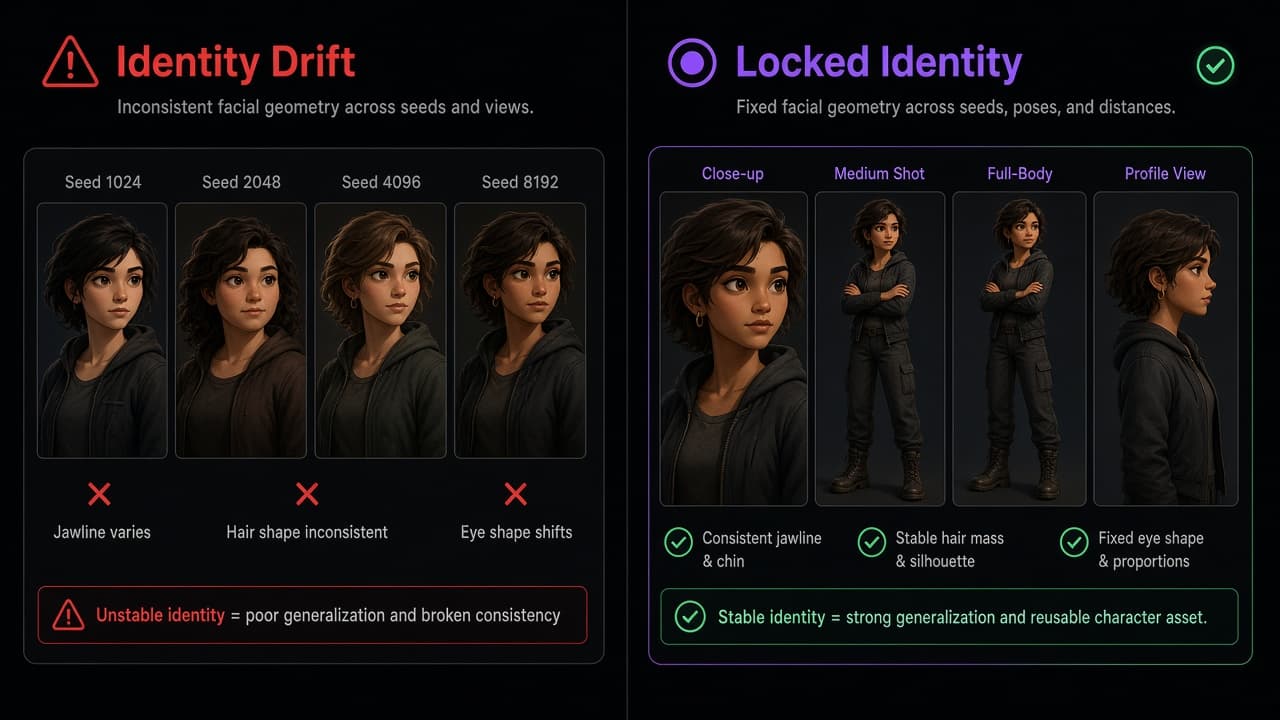
A LoRA learns everything that repeats across the dataset and is not explained by the caption. If all 25 photos of a jacket show the same person, the face, hair, body shape and even the studio wall repeat as often as the jacket does, so the trainer has no reason to treat them as separate concepts. The result is an outfit LoRA that turns every character into your photo model.
The fix is the same principle we use for trigger words and captions: only the garment should stay constant, and everything else should either vary between images or be described in the caption so it binds to its own words instead of your trigger.
Short version
What a clothing LoRA dataset should contain
Aim for 20 to 40 clean images for a single garment and 30 to 50 for a full outfit with several pieces. Fewer images can work for a simple item, but the mix of shot types matters more than the count. Use this table as a starting split.
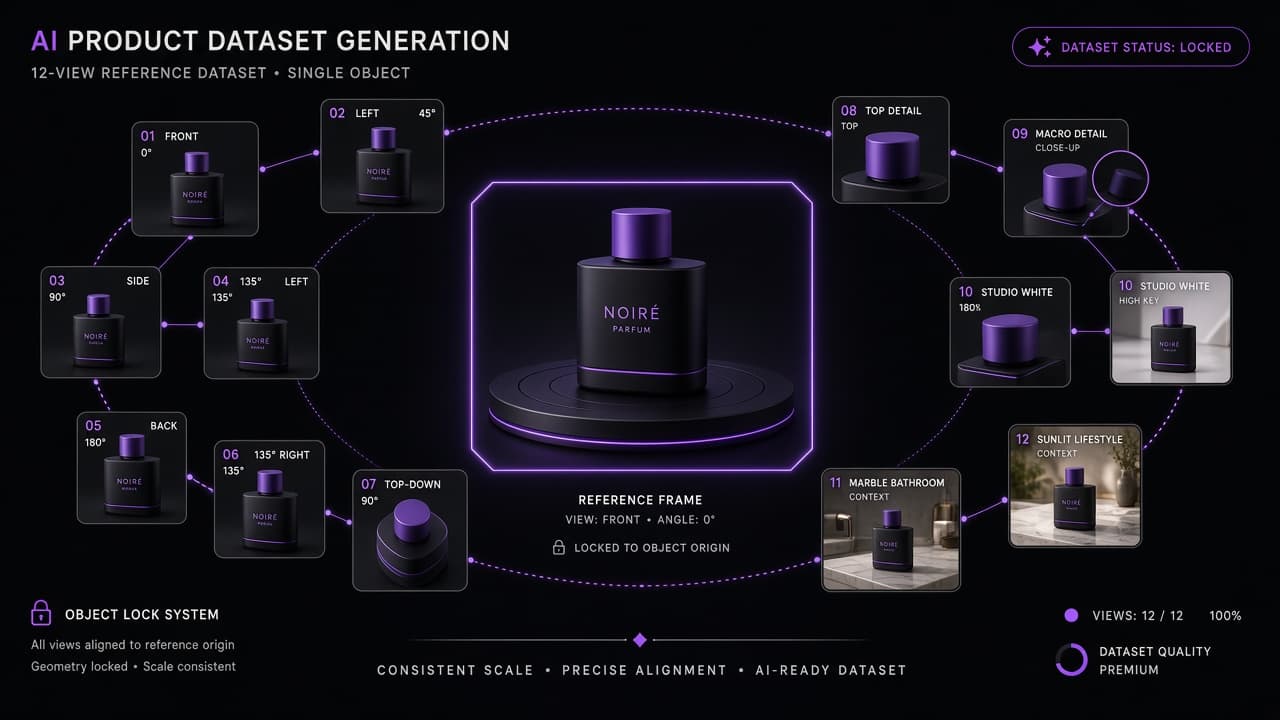
If you only have one product photo, generate the extra angles first with our product and object LoRA guide.
- Use at least three different wearers if you can, with different hair, skin tone and body type.
- Change backgrounds and lighting between shots so the studio does not stick to the trigger.
- Remove near-duplicates; ten nearly identical front shots teach one pose very strongly.
| Shot type | Share of dataset | Why it matters | Face handling |
|---|---|---|---|
| Full body, front, on a wearer | About 25 percent | Teaches fit, length and silhouette on a real body | Crop above the chin or mask the head |
| Back and side views | About 20 percent | Stops the LoRA from only producing front-facing poses | Usually no face visible |
| Three-quarter and in-motion shots | About 20 percent | Shows how the fabric folds and drapes | Mask or use different wearers |
| Close-up details (collar, buttons, print, texture) | About 20 percent | Locks in construction details that blur at full-body scale | No face in frame |
| Flat lay or mannequin | About 15 percent | Gives a wearer-free view of the garment shape | None needed |
Crop, mask, or masked loss: three ways to keep faces out
Cropping is the simplest option: frame shots from the chin or shoulders down so the face never enters the dataset. It works well for tops, jackets and dresses, but it can teach the LoRA to generate headless compositions if every image is cropped the same way, so keep some uncropped images on varied wearers.
Painting over the face with a flat gray or black block also works, but the block itself is a repeating feature. Mention it in the caption (for example, face hidden by a gray box) so it binds to those words and not to your trigger.
Masked loss is the cleanest method when your trainer supports it. In Kohya sd-scripts you can enable the alpha_mask option on a dataset subset and use transparent PNGs, or provide separate black and white mask images, so only the garment area contributes to the loss. The Kohya docs note that masks are applied at latent resolution, one eighth of the image size, so dilate the mask slightly to keep small details such as buttons and zips.
[[datasets.subsets]]
image_dir = "/data/green_jacket"
caption_extension = ".txt"
num_repeats = 4
alpha_mask = true   # transparent pixels (face, background) are ignored by the loss
How to caption an outfit LoRA
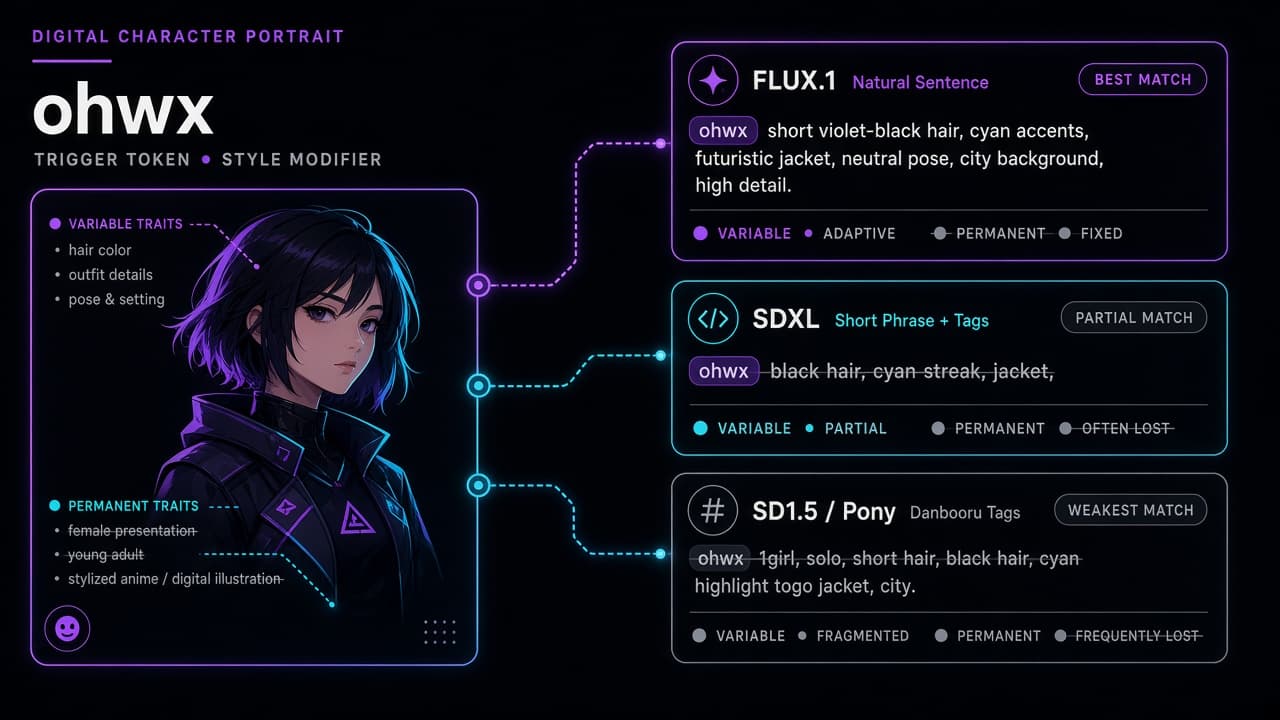
Give the garment a unique trigger such as gr33njkt and describe it with its class word, then describe everything else in the image in plain language: who is wearing it, the other clothes, the pose, the background and the lighting. Anything you name in the caption is treated as changeable, so naming the wearer keeps them out of the garment.
For Flux.1 and SDXL write short natural sentences. For Pony and Illustrious use Danbooru-style tags, as in our anime WD14 tagging guide. Do not describe the garment's fixed details (color, cut, buttons) in every caption if you want them to always appear with the trigger; do describe them if you want to be able to change them later.
gr33njkt jacket worn by a tall man with short curly hair, black jeans, walking on a city street, overcast light, full body
gr33njkt jacket on a white mannequin, front view, plain studio background
gr33njkt jacket worn by a woman, back view, face out of frame, standing in a park, golden hour
Training settings that keep the outfit separate from the wearer
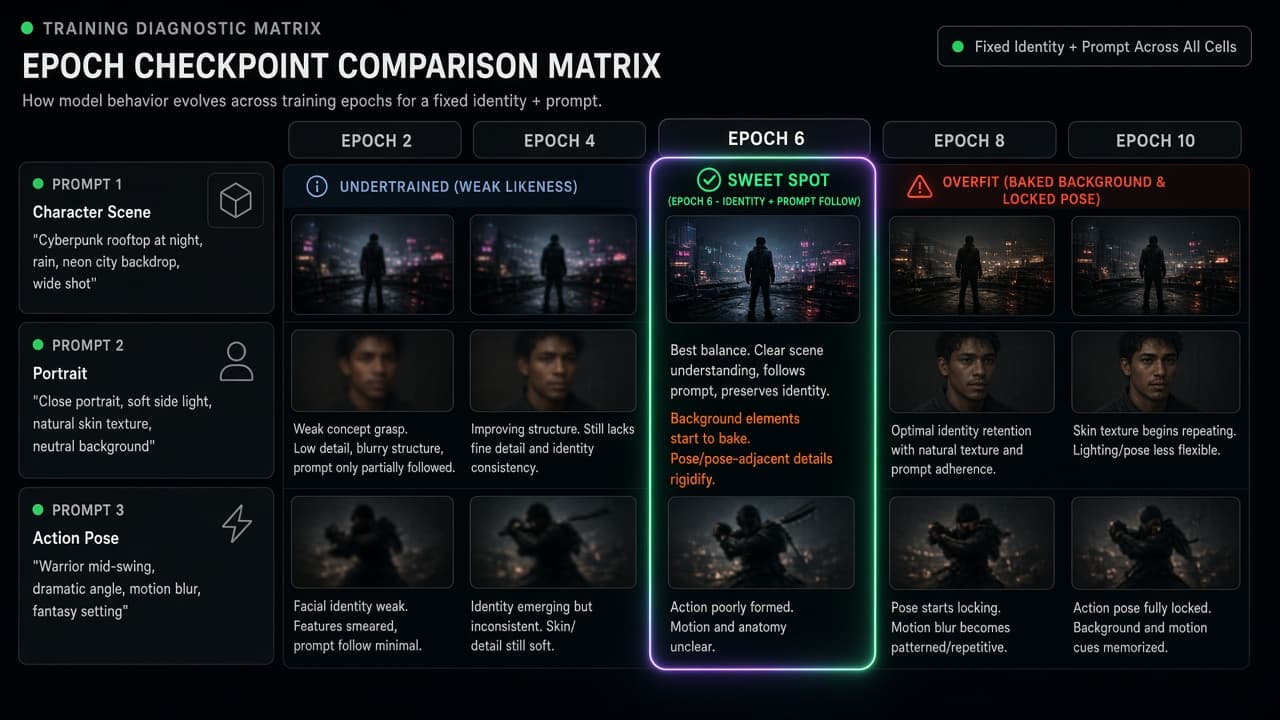
Clothing LoRAs usually need less capacity than character LoRAs, because the concept is narrower. These starting points are conservative; check the sample grid at every saved checkpoint as described in our overfitting vs undertraining guide.
Keep aspect ratio bucketing on so full-body portrait shots are not cropped at the feet; our bucketing and resolution guide explains the bucket math.
- Add sample prompts that put the garment on characters who are not in the dataset, such as an elderly man or a cartoon fox.
- Stop at the earliest checkpoint where the garment details are correct; later checkpoints tend to pull in the wearer.
| Setting | Flux.1-dev | SDXL | Pony / Illustrious |
|---|---|---|---|
| Images | 20 to 40 | 25 to 50 | 25 to 50 |
| Network rank (dim) | 8 to 16 | 16 to 32 | 16 to 32 |
| Learning rate (AdamW8bit) | 1e-4 | 1e-4 (UNet), text encoder off or low | 1e-4 (UNet), text encoder off or low |
| Total steps | 1000 to 2000 | 1500 to 2500 | 1500 to 2500 |
| Caption style | Natural sentences | Sentences or tags | Danbooru tags |
| Resolution | 1024 with bucketing | 1024 with bucketing | 1024 with bucketing |
How to test that the face did not get baked in
Run these checks on every saved checkpoint before you publish the LoRA. The character side of the problem is covered in our identity drift guide.
- 01
Prompt the trigger on a new person
Generate the garment on three people who look nothing like your dataset wearers. If they all drift toward one face, the wearer leaked. - 02
Prompt the trigger with no person
Ask for the garment on a hanger or mannequin. A face appearing anyway means the LoRA bound the person to the trigger. - 03
Stack it with a character LoRA
Combine it with a character LoRA at weight 0.7 to 0.9. If the character's face changes, lower the outfit LoRA weight or retrain with more wearer variety. Our identity drift guide covers the character side. - 04
Retrain with masked loss if needed
If leaks persist, mask faces or switch to alpha_mask training rather than adding more images of the same wearer.
Frequently asked questions
How many images do I need for a clothing LoRA?
Usually 20 to 40 images for one garment and 30 to 50 for a full outfit. Variety of angles, wearers and backgrounds matters more than the total count.
Should I remove faces from clothing LoRA training images?
Yes, if they all show the same person. Crop below the chin, cover the face and caption the cover, or use masked loss so the face does not affect training.
Can I train an outfit LoRA on mannequin photos only?
You can, but the LoRA may learn a stiff, mannequin-like fit. Mixing mannequin or flat lay shots with photos on several real wearers gives better drape and fit.
Should the caption describe the clothing itself?
Name the garment with its trigger and class word. Describe its details only if you want them changeable; leave them out if they should always appear with the trigger.
Why does my outfit LoRA change my character's face?
The training images repeated one wearer's face, so it became part of the trigger. Retrain with varied wearers, masked or cropped faces, and captions that describe the person.