- LoRA
- ComfyUI
- Forge
- LoRA strength
- Trigger words
- Stacking LoRAs
- Flux
- SDXL
- Diffusers
How to Use a LoRA: Strength, Trigger Words and Stacking in ComfyUI and Forge
Load a trained LoRA in ComfyUI, Forge or Diffusers, pick a starting strength, use the trigger word, and stack character and style LoRAs cleanly.
What Does LoRA Strength Actually Do?
A LoRA is not a separate model. It is a small set of weight changes that gets added on top of a base checkpoint when you load it. The strength slider (called strength_model and strength_clip in ComfyUI, the multiplier in Forge and A1111, and adapter_weights in Diffusers) scales that change before it is added. At 0 you get the plain base model, at 1.0 you get the change at the size the trainer produced, and values above 1.0 push it further.
Because the trainer also scales the change by network alpha divided by rank, a strength of 1.0 does not mean the same thing for every file. Two LoRAs trained with different dim and alpha settings can feel very different at the same slider value, which is why you should calibrate every new file instead of copying a number from someone else. Our guide to network rank vs alpha explains where that hidden scale comes from.
ComfyUI exposes two strengths because a LoRA can patch two parts of the pipeline: the diffusion model (UNet on SD1.5 and SDXL, the transformer on Flux) and the text encoder. Many Flux LoRAs only train the transformer, so their files have no text encoder weights and the clip strength does nothing. When you are unsure, keep both values equal, which matches what a single multiplier does in Forge.
How to Load a LoRA in ComfyUI
ComfyUI reads LoRA files from ComfyUI/models/loras, including subfolders. The official examples note that every LoRA flavour, including LyCORIS, LoHa, LoKr and LoCon, loads the same way, so you do not need a special node for those formats.
The node called Load LoRA (Model and CLIP), class LoraLoader, patches both the model and the text encoder. The model only variant, LoraLoaderModelOnly, patches just the diffusion model and is the usual choice for Flux LoRAs that carry no text encoder weights.
- 01
Copy the file
Place your trained .safetensors file in ComfyUI/models/loras and refresh the node list so it appears in the lora_name dropdown. - 02
Insert the loader
Add a Load LoRA node between your checkpoint loader and the rest of the graph, wiring MODEL and CLIP in and out of it. - 03
Set both strengths
Start with strength_model and strength_clip at the same value, for example 0.8, and only split them once you know which part is causing a problem. - 04
Add the trigger
Write the trigger word you trained with into the positive prompt, then generate on a fixed seed so later changes are comparable. - 05
Chain more LoRAs
For a second LoRA, add another loader in series after the first one; each node passes its patched model and text encoder to the next.
ComfyUI vs Forge vs Diffusers: Where the Strength Lives
The idea is the same in every tool, but the control lives in a different place. In Forge and AUTOMATIC1111 you activate a LoRA inside the prompt with the tag lora, the filename without extension, and a multiplier. The A1111 wiki notes the multiplier is generally between 0 and 1, the tag is removed from the prompt text after it activates the LoRA, and it cannot be placed in the negative prompt.
If a LoRA loads but changes nothing, or prints warnings about keys that were not loaded, the cause is usually a base model mismatch rather than the strength value, so check which model family the file was trained on before changing the multiplier.
| Tool | Folder or loader | How you set strength | Separate text encoder strength | How to stack |
|---|---|---|---|---|
| ComfyUI | models/loras, LoraLoader or LoraLoaderModelOnly | strength_model and strength_clip fields | Yes, two fields | Chain loader nodes in series |
| Forge / AUTOMATIC1111 | models/Lora, prompt tag | Multiplier inside the lora tag | No, one multiplier | Add one lora tag per file in the prompt |
| Diffusers (Python) | load_lora_weights with adapter_name | set_adapters with adapter_weights | Yes, per component dictionary | Pass a list of adapter names and weights |
What Strength Should You Start With?
There is no universal correct strength, and the official ComfyUI node docs only say values between 0 and 1 are typical. The ranges below are community rules of thumb we use as starting points, not benchmark results. Treat them as estimates and confirm with a sweep on your own file.
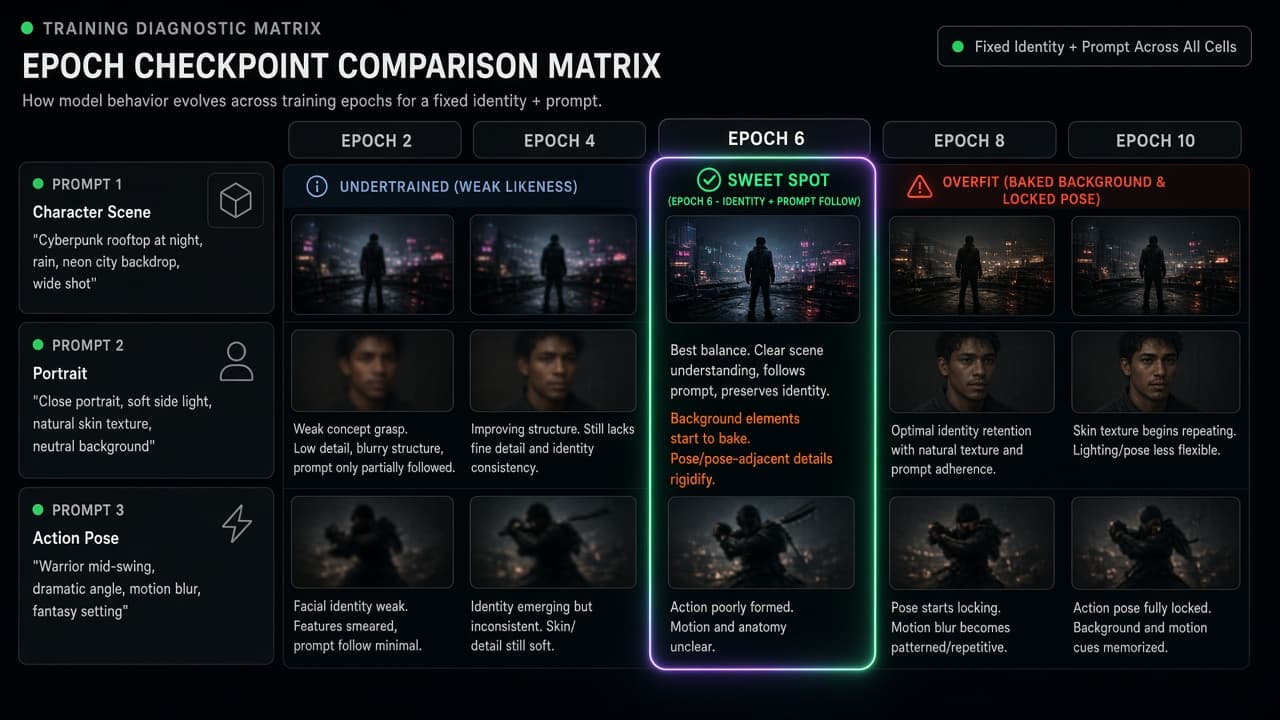
A strength that only looks right above 1.2 usually means the LoRA is undertrained, while one that breaks at 0.6 is often overtrained. If either happens, the fix belongs in training, and the signs are described in LoRA overfitting vs undertraining.
| LoRA type | Starting strength (estimate) | Too high looks like | Too low looks like |
|---|---|---|---|
| Character or person | 0.7 to 1.0 | Same face and pose every time, crisp artifacts, ignores prompt | Likeness drifts toward a generic face |
| Art style | 0.5 to 0.8 | Colour burn, texture noise, subject becomes unreadable | Style barely visible |
| Clothing or outfit | 0.6 to 0.9 | Outfit pattern leaks into background or skin | Outfit details simplified or lost |
| Product or object | 0.7 to 1.0 | Object duplicated or forced into every scene | Logo and shape details soften |
| Detail or slider LoRA | Negative to positive range | Effect exaggerated past usefulness | No visible change |
Do You Need the Trigger Word When Generating?
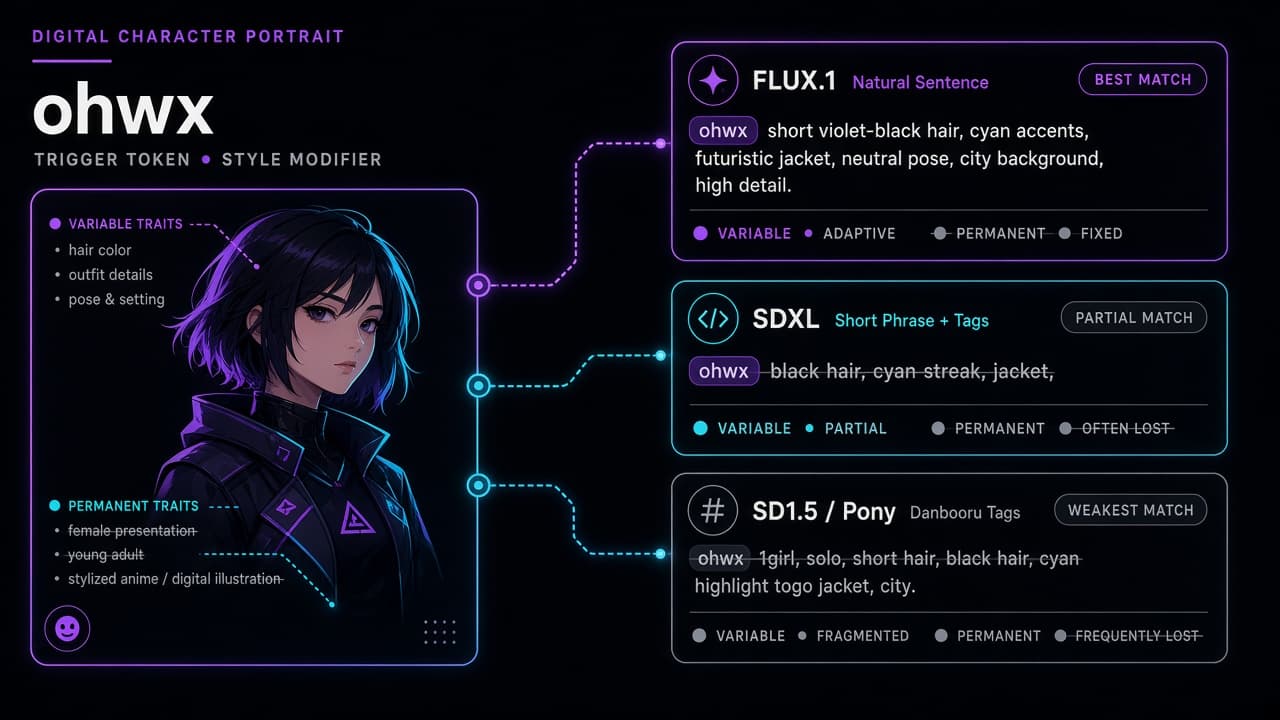
If you trained with a trigger word in every caption, include it in the prompt. The trigger is what the LoRA learned to associate with your subject, so leaving it out typically weakens likeness even at full strength. Put it near the start of the prompt, next to the class word you used in training, for example ohwx woman.
A LoRA still changes the model when the trigger is absent, because loading it patches the weights regardless of the prompt. That is why style LoRAs trained without a trigger work from strength alone, and why a strong character LoRA can bleed its face into every person in the scene. How the trigger was set up during captioning decides how much control you have here, which is covered in our LoRA captioning and trigger word guide.
- Use the exact trigger spelling from your captions, including underscores.
- Keep the class word you trained with, such as woman, man, dress or bottle.
- Do not repeat the trigger many times to force likeness; raise strength slightly instead.
- If you downloaded a LoRA, read the trained trigger words from the model page or the file metadata.
How to Stack a Character LoRA With a Style LoRA
Stacking means loading two or more LoRAs at once, for example your character plus an art style or an outfit. Every LoRA adds its own change to the same base weights, so the effects add up. Two files at 1.0 each often overcook the image, which is why people lower each strength when combining them. Diffusers describes the same idea directly: with adapter_weights of 0.5 and 0.5, the result is an average of the two LoRAs.
Load the identity LoRA first and keep it the strongest, then add style or outfit LoRAs at lower values until the look appears without hurting the face. Use LoRAs trained on the same base family; an SDXL LoRA will not work on Flux, and results across SDXL derivatives such as Pony and Illustrious vary. To place two different characters in one image, use regional masks instead of plain stacking, as shown in our multi-character LoRA guide.
| Combination | Suggested split (estimate) | What to watch |
|---|---|---|
| Character + art style | Character 0.8, style 0.4 to 0.6 | Face changing toward the style LoRA training subjects |
| Character + outfit | Character 0.8, outfit 0.6 to 0.8 | Outfit colours bleeding into hair or skin |
| Character + detail or slider LoRA | Character 0.8 to 1.0, detail 0.2 to 0.5 | Extra texture breaking skin and eyes |
| Two character LoRAs in one image | Use regional hooks or masks, not a plain chain | Faces merging into one blended identity |
Find the Right Strength With a Fixed Seed Sweep
The fastest way to calibrate a new LoRA is a sweep: keep the seed, prompt, sampler and step count fixed, then render the same image at 0.4, 0.6, 0.8, 1.0 and 1.2. In Forge or A1111 the X/Y/Z plot script with Prompt S/R does this in one batch; in ComfyUI you can queue the same graph with different strength values. Pick the lowest value where likeness or style is fully present.
Most strength problems trace back to the dataset. A clean, varied dataset with consistent captions tends to produce a LoRA that behaves well across a wide strength range. You can build that kind of dataset from a single reference in the LoRA Dataset Studio dashboard before your next training run.
Frequently asked questions
What is the difference between strength_model and strength_clip in ComfyUI?
strength_model scales the LoRA change applied to the diffusion model, and strength_clip scales the change applied to the text encoder. Keep them equal unless you have a reason to split them. If the LoRA has no text encoder weights, as with many Flux LoRAs, strength_clip has no effect.
Can I use a LoRA strength above 1.0?
Yes. ComfyUI accepts values from -100 to 100, but values above 1.0 often add artifacts. If a LoRA only works above about 1.2, it is usually undertrained, and retraining with more steps or a better dataset is a cleaner fix.
Why does my LoRA do nothing when I load it?
The most common causes are a base model mismatch, such as an SDXL LoRA on Flux, a missing trigger word, wiring the loader outside the model path in ComfyUI, or a strength of 0. Check the console for keys that were not loaded, which points to a mismatch.
How many LoRAs can I stack at once?
There is no hard limit in ComfyUI, Forge or Diffusers, but each LoRA adds to the same weights, so quality usually drops as you add more. Two or three with reduced strengths is a practical range; lower each value as you add files.
Do LyCORIS, LoCon and LoKr files load differently from a normal LoRA?
Not in ComfyUI. The official ComfyUI examples state that all LoRA flavours, including LyCORIS, LoHa, LoKr and LoCon, are used with the same loader node. AUTOMATIC1111 supports these network types through its built-in extension since version 1.5.0, using the same lora prompt tag, and Forge inherits that syntax.
Sources and further reading
- ComfyUI docs: Load LoRA (Model and CLIP) node
- ComfyUI docs: LoRA tutorial
- ComfyUI examples: LoRA and chaining multiple LoRAs
- AUTOMATIC1111 stable-diffusion-webui wiki: Features, LoRA
- Hugging Face Diffusers docs: LoRA inference, set_adapters and adapter weights
- Hu et al., LoRA: Low-Rank Adaptation of Large Language Models (arXiv 2106.09685)