- Multi-character LoRA
- Concept bleeding
- Kohya
- Regional Prompter
- ComfyUI
- Captioning
- Character LoRA
Multi-Character LoRA: Train Two Characters Without Concept Bleeding
How to train two characters in one LoRA or in separate LoRAs, balance repeats and captions, and stop features bleeding when both appear in one image.
What Is Concept Bleeding in Multi-Character LoRAs?
Concept bleeding is when traits from one character leak onto another: character A ends up with character B's hair color, both characters share one face, or two people in close contact merge into one body. It is the most common complaint once you try to put two custom characters in the same image.
The root cause is that a LoRA does not live in one corner of the image. When you load it, it shifts the weights of the whole model for every pixel and every token. If two LoRAs, or two triggers inside one LoRA, both teach the model about a young woman with long hair, the model learns that every young woman should look a bit like both. Prompt order alone cannot fully separate them, because the text conditioning is also shared across the whole image.
So the fix has two halves. During training you make each identity as distinct and self-contained as possible. During generation you limit where each identity is allowed to act. If you have not trained a single character LoRA yet, start with how many images you need and come back here once one character works on its own.
One Multi-Trigger LoRA or Separate LoRAs?
Separate LoRAs are the simpler and more reusable option. Each one is trained exactly like a normal character LoRA, and you deal with bleeding only at inference. A joint LoRA earns its place when the characters belong together and you want the model to learn how they look side by side, including relative height and interaction poses.
Do not mix bases. Two character LoRAs trained on different checkpoints or model families, for example one on Pony and one on Illustrious, rarely stack cleanly. Train both on the same base, a choice covered in our Flux vs SDXL comparison.
| Approach | Best for | Main risk | How to use it |
|---|---|---|---|
| Separate LoRA per character | Characters you also want to use alone, or in different projects | Two LoRAs loaded globally fight over the same concepts | Apply each LoRA only to its own region, or generate one and inpaint the other |
| One LoRA with two triggers | A fixed pair or cast that usually appears together | Triggers merge if captions overlap or one character dominates the data | Prompt both triggers, ideally with regional prompting for clean separation |
| One LoRA with two triggers plus paired images | Interactions such as hugging, holding hands or fighting | Too many paired images make a solo trigger spawn both characters | Keep paired images a small minority of the dataset |
| Inpaint second character with its own LoRA | Maximum identity fidelity for each character | Extra manual step and lighting mismatches | Generate character A, mask character B, inpaint with B's LoRA |
How to Build a Two-Character LoRA Dataset
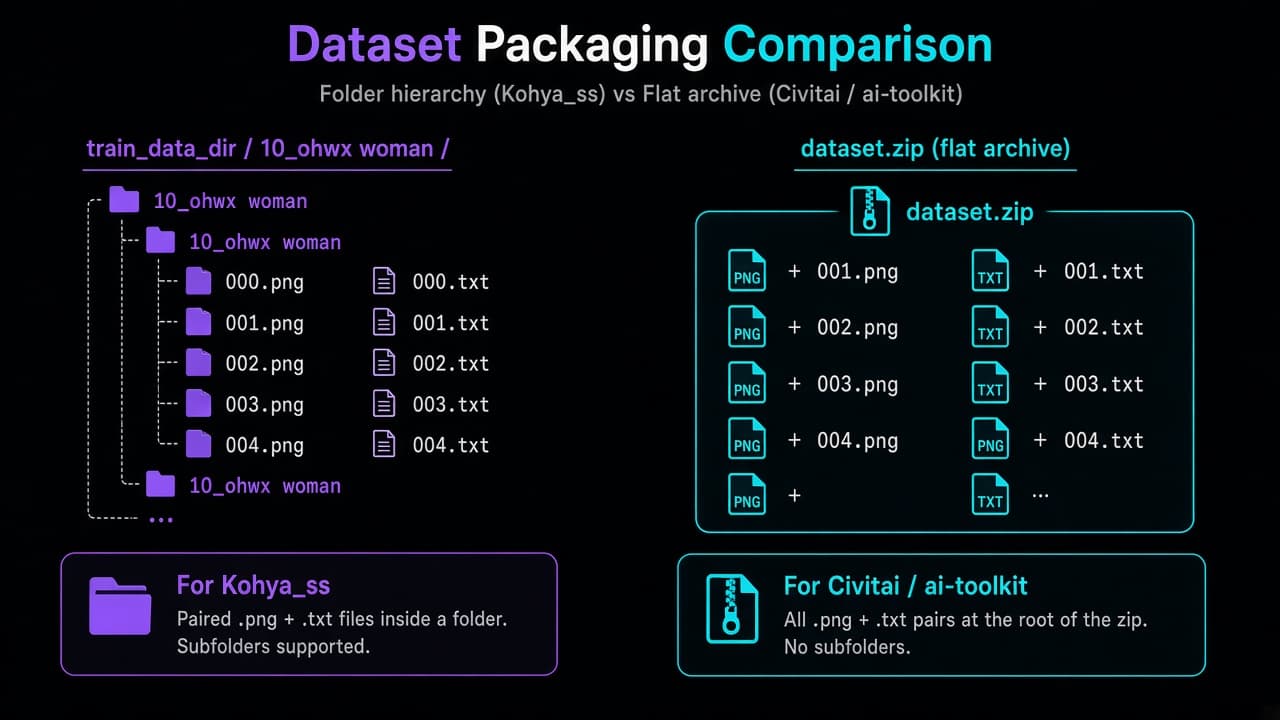
Give each character a unique, meaningless trigger word that does not share tokens with the other, such as charA and charB style tokens or invented names. Avoid two triggers that differ by only one letter or number. Put each character in its own folder so you can control how often it is seen. In the Kohya folder method a folder named 10_charA repeats its images ten times per epoch, which is explained in our Kohya folder naming guide.
Balance the total exposure, not the image count. If character A has 20 images and character B has 10, set B's folder to twice the repeats of A so both receive about the same number of steps per epoch. An unbalanced set is the quickest way to get a LoRA where the stronger character overwrites the weaker one. The arithmetic is the same as in our steps calculator guide.
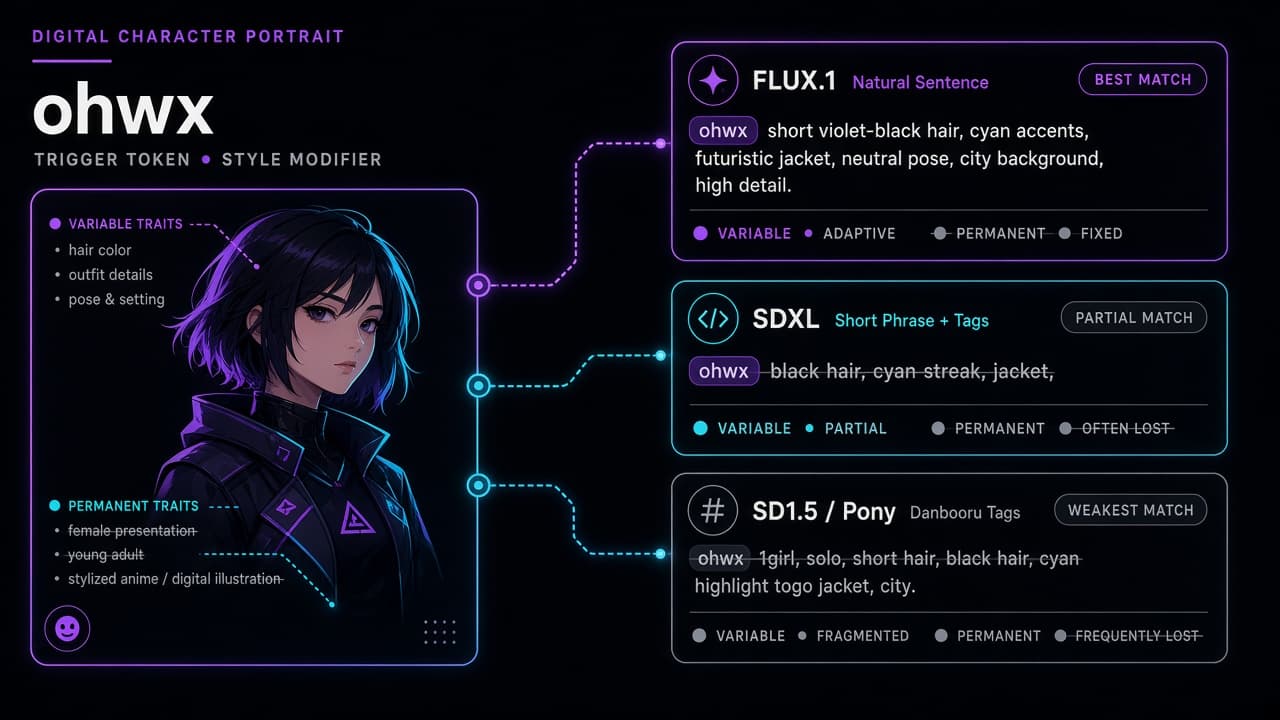
Caption so that each trigger absorbs only its own identity. Leave the fixed traits of a character out of its captions so the trigger learns them, but be careful with generic tags that both characters share. Community testers report that consolidating physical traits into each trigger, rather than tagging both characters with the same hair or eye tags, reduces mixing. Tag what varies between images: outfit, pose, expression, background and framing. Our trigger word and captioning guide covers the general rules.
Paired images help with interaction but should stay a minority. One documented two-character experiment kept paired images to about 13 percent of the dataset, with left and right swaps, and reported that hair and body fusion between the two characters disappeared while solo triggers stayed clean. Caption paired images with both triggers and with position words such as on the left and on the right. If you only have one reference per character, LoRA Dataset Studio can expand each into a varied, captioned set first.
# Kohya sd-scripts dataset config (TOML): one subset per character
[general]
shuffle_caption = true
keep_tokens = 1          # keep the trigger as the first token
caption_extension = ".txt"

[[datasets]]
resolution = 1024
batch_size = 1

  [[datasets.subsets]]
  image_dir = "dataset/charA"   # 20 images
  num_repeats = 5

  [[datasets.subsets]]
  image_dir = "dataset/charB"   # 10 images
  num_repeats = 10

  [[datasets.subsets]]
  image_dir = "dataset/pair"    # 4 images with both triggers
  num_repeats = 5
Training Settings That Reduce Bleeding
Capacity matters because a low-rank LoRA has to squeeze both faces into the same small update, which encourages averaging. One documented test that raised rank from 64 to 128 and added paired images reported that attribute bleed between the two characters stopped. Treat that as a direction rather than a rule, and read our rank and alpha guide before picking a value.
Use the same checkpoint-grid habit described in our overfitting vs undertraining guide, but add one column per trigger. The best epoch is often a little earlier than for a single character, because separation tends to degrade before likeness does.
- Rank: two identities need more capacity than one. If a single-character LoRA works at rank 16, try 32 for a pair.
- Steps: stop as soon as both characters are recognizable. Overtrained multi-character LoRAs blend faster because every trigger starts pulling the whole image.
- Checkpoint grids: test each trigger alone, both triggers together, and a prompt with neither trigger to see how much leaks into the base model.
- Shuffle with keep tokens: when shuffling captions, keep the trigger fixed at the front so it is always tied to the right image.
How to Generate Two LoRA Characters in One Image
In Regional Prompter, set the calculation mode to Latent when you want a different LoRA in each region, then place each LoRA and trigger only in its own region prompt. The extension documents LoRA Textencoder and LoRA U-Net sliders and a LoRA stop step that limit how much other regions' LoRAs influence each area.
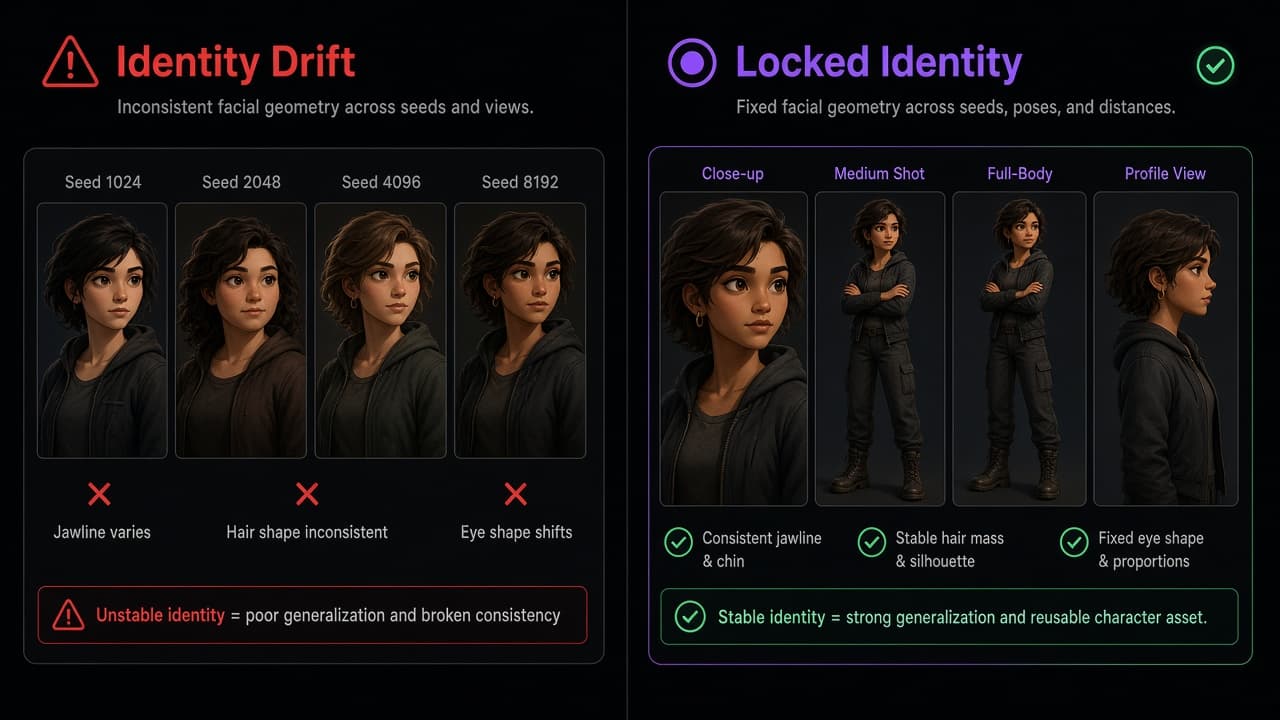
In ComfyUI, the hook system added in late 2024 lets you load a LoRA without applying it to the whole model. Create one hook per character, encode each character's prompt through a CLIP branch with Set CLIP Hooks, and attach the matching mask with Cond Set Props. Make masks cover the full face, hair and shoulders, avoid overlaps, and keep a separate unhooked base prompt for the scene. When likeness still drifts in either region, the fixes in our identity drift guide apply per character.
| Tool | How it isolates characters | Notes |
|---|---|---|
| Regional Prompter (A1111, Forge) | Splits the prompt into regions with BREAK; Latent mode applies each region's LoRA only there | Latent mode reruns the model once per region, so it is slower; lower LoRA strength if effects still bleed |
| ComfyUI hook LoRAs | Create Hook LoRA plus Set CLIP Hooks and Cond Set Props attach each LoRA to its own masked conditioning | Every conditioning needs a mask; an unmasked one acts globally and breaks the separation |
| Inpainting pass | Generate character A with its LoRA, then mask character B and inpaint with B's LoRA | Most reliable for likeness, but needs a second pass and matching lighting |
| Plain prompt with both triggers | No isolation; relies on the joint LoRA having learned separation | Often returns two copies of one face unless the LoRA was trained with paired images |
Fastest reliable workflow
Frequently asked questions
Can you train two characters in one LoRA?
Yes. Give each character its own unique trigger word, put them in separate folders with balanced repeats, caption fixed traits into each trigger, and add a small number of images that show both characters together.
Why do my two character LoRAs look like the same person?
A LoRA changes the whole model, so two LoRAs that both describe similar people blend their traits everywhere in the image. Apply each LoRA to its own region with masks or Regional Prompter, or inpaint the second character separately.
How many images with both characters should I include?
Keep paired images a small minority of the dataset. One documented experiment used about 13 percent paired images and kept solo triggers clean; too many paired images can make a single trigger produce both characters.
Is it better to train separate LoRAs for each character?
Separate LoRAs are simpler and reusable for solo images, but need regional prompting or inpainting when combined. A joint LoRA suits a fixed pair that often appears together and needs interaction poses.
Do I need a higher rank for a multi-character LoRA?
Often yes. Two identities need more capacity than one, so try one step higher than your single-character rank, for example 32 instead of 16, and check checkpoint grids for each trigger.
Sources and further reading
- kohya-ss/sd-scripts dataset config documentation (subsets, num_repeats, keep_tokens)
- hako-mikan, sd-webui-regional-prompter (Latent mode and regional LoRA)
- ComfyUI blog, Masking and Scheduling LoRA and Model Weights
- ComfyUI docs, Cond Set Props node
- lilting channel, two-character LoRA without bleed or fusion (rank 128 and paired images)