- Optimizer
- Prodigy
- AdamW8bit
- Adafactor
- Learning rate
- Kohya
- Flux
Prodigy vs AdamW8bit vs Adafactor for LoRA Training: Learning Rates and Settings
How Prodigy, AdamW8bit and Adafactor differ for LoRA training, which learning rate each expects, and when to pick each for Flux, SDXL and SD1.5.
The Three Optimizers in One Paragraph Each
AdamW8bit is AdamW with its optimizer states stored in 8 bits using bitsandbytes (Dettmers et al., 2021). It behaves like AdamW but uses far less optimizer memory, which is why it is the default in many Kohya and AI-Toolkit configs, including AI-Toolkit's Flux examples at lr 1e-4.
Prodigy (Mishchenko and Defazio, 2023) is an adaptive, learning-rate-free variant of Adam. It estimates the distance to the solution and sets the effective step size itself. Its authors recommend leaving lr at 1.0; it keeps extra state, so it needs more memory than AdamW8bit.
Adafactor (Shazeer and Stern, 2018) factorizes the second-moment estimates into row and column statistics, cutting optimizer memory dramatically. Kohya's SDXL documentation recommends it for full SDXL fine-tuning on a 24GB GPU, with scale_parameter, relative_step and warmup_init disabled, a constant_with_warmup schedule and the original SDXL learning rate of 4e-7.
Side-by-Side Comparison
| Optimizer | Learning rate you set | Optimizer memory | Best for |
|---|---|---|---|
| AdamW8bit | Fixed, about 1e-4 for Flux LoRAs (AI-Toolkit example); tune per model | Low (8-bit states) | Default choice, predictable results |
| Prodigy | 1.0 (adapts automatically) | Higher than AdamW8bit | Avoiding learning-rate searches on new datasets |
| Adafactor | Fixed, with relative_step=False, scale_parameter=False, warmup_init=False | Lowest | Large fine-tunes or very tight VRAM |
| AdamW (32-bit) | Fixed | High | Reference baseline when memory allows |
Prodigy Settings That Matter
Set lr to 1.0 and change d_coef, not lr, if you need it to be more or less aggressive. For diffusion models the Prodigy README recommends safeguard_warmup=True, use_bias_correction=True and weight_decay=0.01, and suggests either no scheduler or cosine annealing without restarts. Weight decay is set the same way as AdamW.
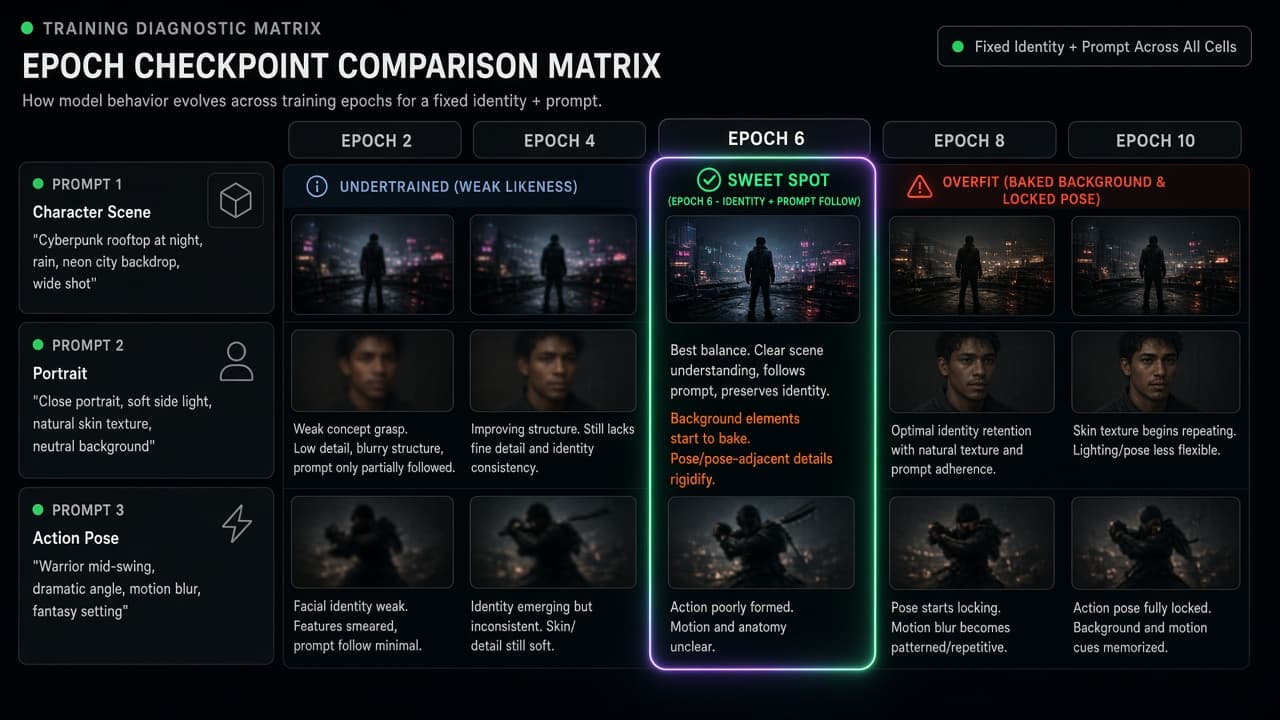
Because Prodigy picks its own step size, it can overshoot on very small datasets. Watch your sample grid closely; see overfitting vs undertraining. Also note that alpha scales updates, as covered in rank vs alpha.
Constant vs Cosine Schedulers
- Constant keeps the same learning rate throughout; simple and easy to reason about with AdamW8bit, and Kohya's LoRA docs example pairs AdamW8bit, learning rate 1e-4 and a constant scheduler.
- Cosine decays the rate toward zero, which can smooth late training and is commonly paired with Prodigy.
- Warmup steps help stability at the start, especially with adaptive optimizers.
- Changing the scheduler rarely fixes a bad dataset; build a consistent set first with LoRA Dataset Studio.
Which Optimizer Should You Choose?
- 01
Start with AdamW8bit
Use the trainer's example learning rate for your model and a constant schedule. It is the most documented path for Flux and SDXL LoRAs. - 02
Try Prodigy for new datasets
If you keep guessing learning rates, run Prodigy at lr 1.0 and compare checkpoints with the same seeds. - 03
Use Adafactor when memory is the limit
For full fine-tunes or large models on small GPUs, Adafactor with fixed lr frees the most VRAM. - 04
Change one thing at a time
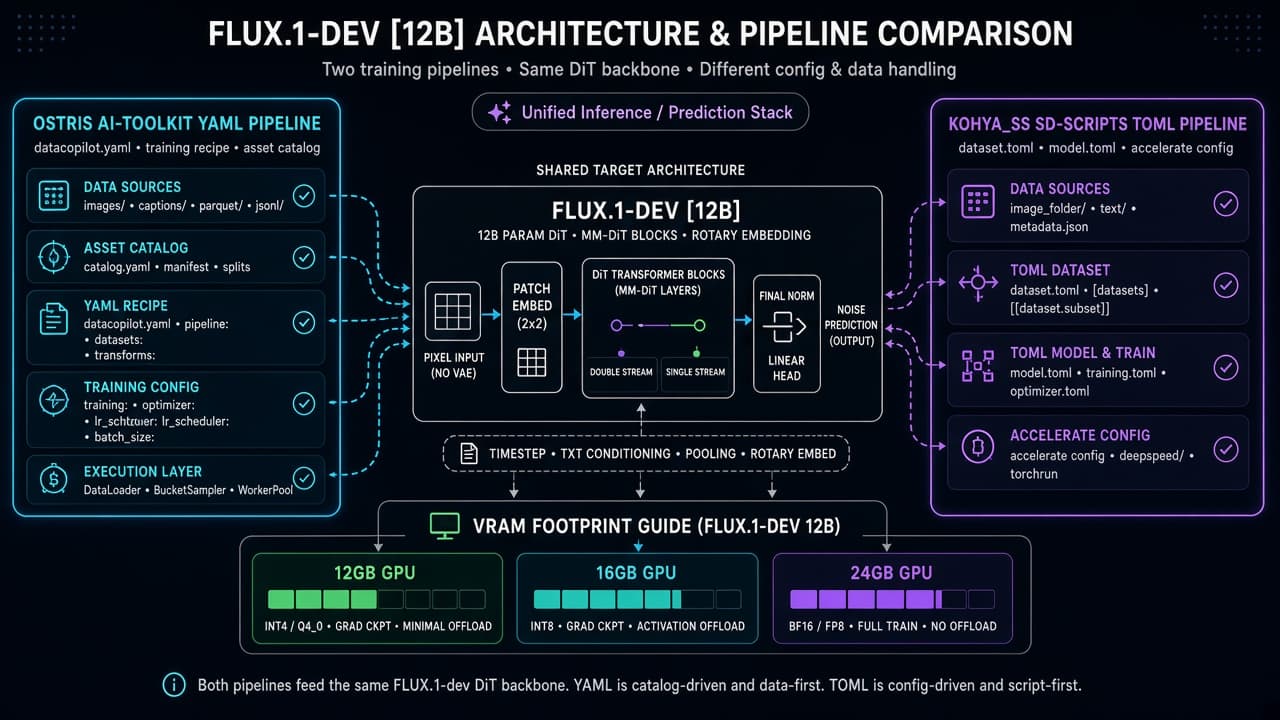
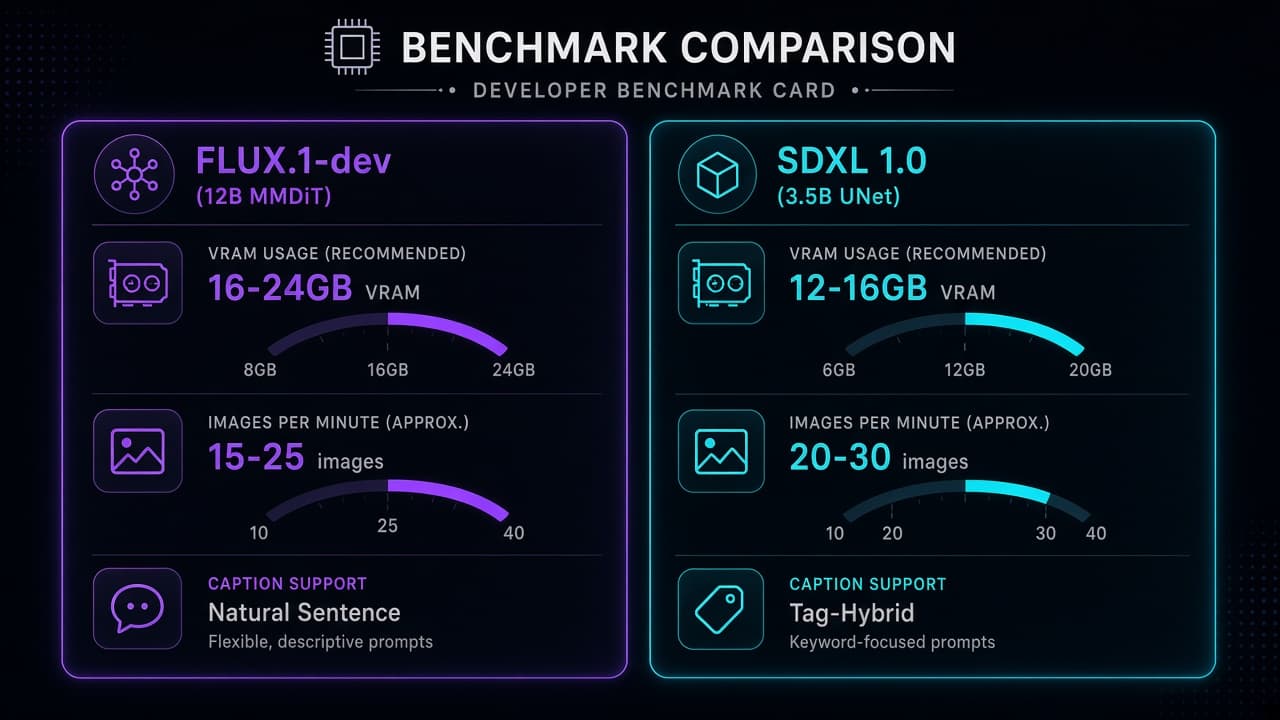
Keep dataset, rank and steps fixed when comparing optimizers. See Flux vs SDXL LoRA for model-level differences.
Frequently asked questions
What learning rate should I use with Prodigy?
Set lr to 1.0. Prodigy estimates the effective step size itself; adjust d_coef if it is too aggressive or too slow.
What learning rate works with AdamW8bit for a Flux LoRA?
Ostris AI-Toolkit's Flux LoRA example config uses adamw8bit at lr 1e-4, which is a sensible starting point.
Is Prodigy better than AdamW8bit?
Not universally. Prodigy removes learning-rate tuning but uses more memory and can overshoot on tiny datasets. AdamW8bit is more predictable.
When should I use Adafactor?
When VRAM is the bottleneck, such as full SDXL fine-tuning on 24GB. Kohya's SDXL docs suggest Adafactor with relative_step, scale_parameter and warmup_init disabled and a fixed learning rate (4e-7 in their example).
Sources and further reading
- Mishchenko and Defazio, Prodigy: An Expeditiously Adaptive Parameter-Free Learner (arXiv 2306.06101)
- konstmish/prodigy: official implementation and recommended settings
- Dettmers et al., 8-bit Optimizers via Block-wise Quantization (arXiv 2110.02861)
- Shazeer and Stern, Adafactor: Adaptive Learning Rates with Sublinear Memory Cost (arXiv 1804.04235)
- kohya-ss/sd-scripts: train_network.md (AdamW8bit, 1e-4, constant example)
- kohya-ss/sd-scripts: SDXL training notes (Adafactor settings)
- ostris/ai-toolkit: train_lora_flux_24gb.yaml example config