- Face LoRA
- Character LoRA
- Dataset prep
- Flux
- SDXL
- Consent
Lookalike Face LoRA From Your Own Photos
Turn a phone photo dump you have consent to use into a face LoRA dataset: what to drop, the angle and light mix, captions, and when IP-Adapter is enough.
What Is a Lookalike LoRA, and When Should You Train One?
A lookalike LoRA is a small adapter trained on real photos of one person so that a base model such as Flux or SDXL can render that face in new scenes. The usual subjects are yourself, or a model, client or family member who has given you explicit permission. It is a different job from inventing a fictional character: the photos already exist, they are messy, and your work is mostly curation.
Consent is the first filter, not a footnote. Our terms of service do not allow deepfakes, identity impersonation or use of a real person's likeness without explicit consent, and Civitai prohibits sharing any resource based on the likeness of real people, including private individuals. Train likeness LoRAs only of people who agreed to it, keep them private, and do not target celebrities or public figures.
You do not always need a LoRA. If you need a face in a handful of images, a reference adapter such as IP-Adapter FaceID can condition on one photo without training. Train a LoRA when the same face has to hold up across many images, outfits and styles. Our IP-Adapter vs LoRA guide compares the two in more depth.
| Approach | Input | Best for | Limitation |
|---|---|---|---|
| IP-Adapter FaceID or a similar reference adapter | One or a few reference photos, no training | A few quick images of one face | Likeness can loosen across styles and angles |
| Lookalike LoRA from a curated photo dump | About 15 to 30 real photos | A face that must stay consistent across many images | Needs curation, captions and a training run |
| Expanding one reference image into a dataset | A single image | Fictional or generated characters with no photo set | Synthetic images can repeat the errors of the source |
Consent comes first
How Do You Curate a Phone Photo Dump for a Face LoRA?
Phone galleries are full of images that look fine to a person but teach a LoRA the wrong things. A beauty filter becomes part of the face, chat-app compression becomes part of the skin, and a group photo teaches the adapter to blend several faces. Sort before you caption, and expect to keep a fraction of what you start with.
Start from the original files rather than copies saved from messaging apps or social networks, which are usually re-compressed. Prefer photos where the face is sharp and reasonably large in the frame; a face that only fills a small corner of a wide shot will not hold up once it is cropped to training resolution.
Two phone-specific problems are easy to miss. Many phones store rotation as an EXIF orientation tag instead of rotating the pixels, so a trainer that ignores the tag can see a sideways photo; Pillow's ImageOps.exif_transpose bakes the rotation in. Phone photos can also carry metadata such as location, so strip it when you re-save the files. iPhone HEIC files can be opened in Python with the pillow-heif plugin and saved as PNG or high-quality JPEG.
When the set is sorted, run it through our LoRA dataset QA checklist before you train.
| Photo type | Problem it causes | What to do |
|---|---|---|
| Beauty or color filters | The filtered skin and face shape get learned as the identity | Drop it, or use the unfiltered original |
| Screenshots or images saved from chat apps | Compression artifacts get learned as skin texture | Find the original file or drop it |
| Group photos | Other faces blend into the identity | Crop to the subject only if the face is still sharp; otherwise drop |
| Sunglasses, masks or hands over the face | The adapter learns the accessory as part of the face | Keep one or two at most, or drop |
| Very close front-camera selfies | Wide-angle distortion enlarges the nose and shrinks the ears | Keep a few and balance them with shots from farther away |
| Burst shots and near-duplicates | One moment gets overweighted | Keep the best one or two |
| Sideways or upside-down files | EXIF orientation not applied by the trainer | Bake rotation in with exif_transpose before training |
from pathlib import Path
from PIL import Image, ImageOps

# Optional for iPhone HEIC files: pip install pillow-heif
# from pillow_heif import register_heif_opener; register_heif_opener()

src, dst = Path("photo_dump"), Path("dataset")
dst.mkdir(exist_ok=True)
for p in sorted(src.iterdir()):
    if p.suffix.lower() not in {".jpg", ".jpeg", ".png", ".heic", ".webp"}:
        continue
    im = ImageOps.exif_transpose(Image.open(p)).convert("RGB")
    clean = Image.new("RGB", im.size)
    clean.paste(im)  # copies pixels only, so EXIF and GPS data are dropped
    clean.save(dst / (p.stem + ".png"))
What Mix of Angles, Light and Distance Should the Set Include?
Variety is what lets the LoRA separate the face from everything around it. Replicate's guide to fine-tuning Flux on your own face recommends high-quality images taken from various angles and in different lighting, with different settings and clothing, and treats about 10 images as a good minimum. For a dependable lookalike, a curated set of roughly 15 to 30 photos is a practical working range; see how many images to train a LoRA for the general rules.
Spread the photos across close-ups, upper-body and a few full-body shots, and across front, three-quarter and profile views. Mix indoor, outdoor, daylight and evening light, and vary the clothing and background so none of them is in most of the set. Our worked 20-image character shot list shows a planned mix you can use as a template when you choose which photos to keep.
| Shot type | Photos | Why |
|---|---|---|
| Face close-ups, front and three-quarter | 6 | Locks eyes, nose, mouth and face shape |
| Profile and near-profile | 3 | Keeps the face stable when the head turns |
| Upper body at normal distance | 6 | Hair, neck and shoulders without selfie distortion |
| Full body | 3 | Proportions and posture |
| Different expressions | 2 | Stops every render from copying one smile |
How Should You Caption a Real-Face Set Without Describing the Face?
Write captions about what should stay promptable: clothing, background, lighting, pose, framing and expression. Leave the fixed facial features uncaptioned so the LoRA absorbs them into the identity token instead of tying them to words you would have to repeat in every prompt.
Use one rare token for the person, such as a short made-up word, and keep it the same in every caption. Replicate's Flux guide recommends a token that is not an existing word in any language. Our explainer on ohwx and Kohya folder naming covers how rare tokens and class words work in Kohya-style datasets.
Auto-captioners are a good starting point for real photos, but review the output: they often describe hair color, eye color or age, which you usually want to remove for a likeness set. Our comparison of JoyCaption, Florence-2 and Gemini helps you pick a captioner.
| Keep in the caption | Leave out of the caption |
|---|---|
| zkfr, a man in a grey hoodie | Eye color, nose shape, face shape |
| sitting at a cafe table, three-quarter view | Skin details that are always present |
| warm evening window light, smiling | Permanent marks you want the LoRA to keep |
How Do You Train and Check a Lookalike LoRA?
Any standard trainer works for a face set, including Kohya sd-scripts and Ostris AI-Toolkit; the dataset matters more than the tool. Our AI-Toolkit vs Kohya comparison covers the setup differences.
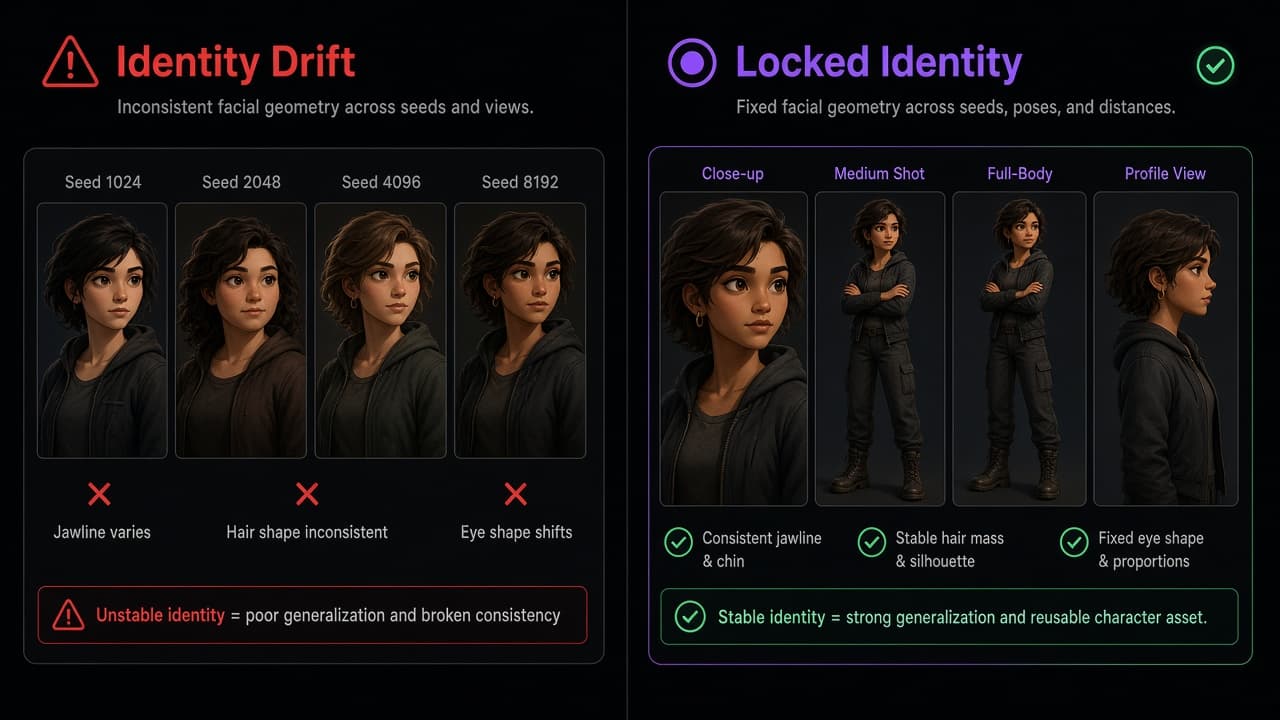
Judge the result with prompts that change one thing at a time: a new outfit, a new location, a new art style. If the face drifts toward someone else, or every render copies one photo, use the fixes in our identity drift guide and overfitting vs undertraining guide.
- 01
Confirm consent
Train only on yourself or on people who gave explicit permission for AI training. - 02
Export originals
Copy original photos from the phone, not versions saved from chat apps or social networks. - 03
Triage the dump
Drop filtered, compressed, blurry, group and near-duplicate photos, and photos with covered faces. - 04
Fix files
Apply EXIF rotation, strip metadata, and convert HEIC files to PNG or high-quality JPEG. - 05
Balance the set
Keep about 15 to 30 photos across close-ups, upper-body and full-body shots, several angles and varied light. - 06
Caption and train
Caption setting, clothing, light and pose with one rare token, then train and test with varied prompts.
How Is This Different From Expanding One Image or a Catalog Model LoRA?
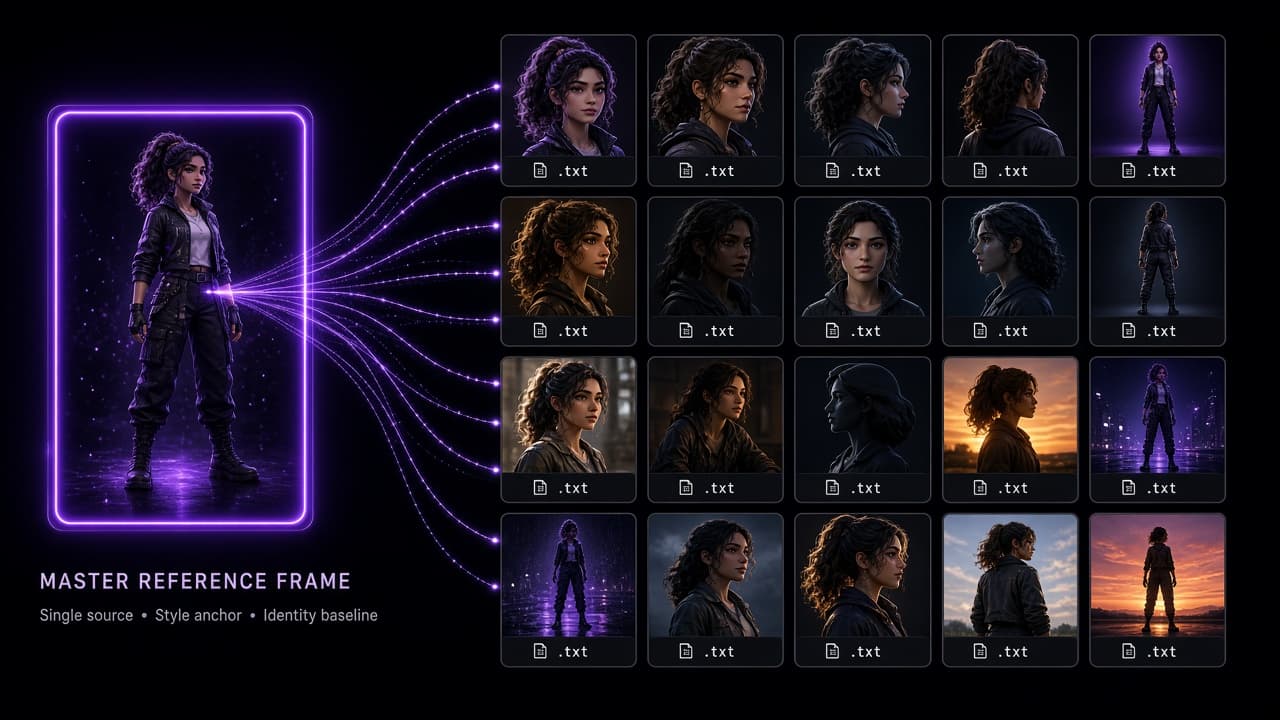
This guide starts from real photos you already have and is mostly about removing the wrong ones. If you only have a single image of a fictional or generated character, the workflow is different: you expand that image into a varied set, as covered in how to create a LoRA dataset from one image.
If the face belongs to a consented brand model who has to appear across a product catalog, the shot mix and captions are built around retail images instead of personal photos. Our brand model LoRA guide covers that case, including how to keep products out of the identity set.
Frequently asked questions
How many photos do I need for a lookalike face LoRA?
Replicate suggests about 10 images as a good minimum for a Flux face fine-tune. A curated set of roughly 15 to 30 varied photos is a practical range for a dependable likeness.
Can I train a LoRA on a celebrity or someone else without permission?
No. Our terms do not allow using a real person's likeness without explicit consent, and Civitai prohibits resources based on the likeness of real people. Train only on yourself or on people who agreed.
Are selfies good training images for a face LoRA?
Some are, but very close front-camera selfies distort the face. Keep a few and balance them with photos taken from farther away.
Should I describe the face in the captions?
Usually not. Caption clothing, setting, lighting and pose, and let the rare identity token absorb the facial features.
Is IP-Adapter enough instead of training a LoRA?
For a few images, often yes, since IP-Adapter FaceID conditions on a face without training. Train a LoRA when the face has to stay consistent across many images and styles.