- Wan 2.1
- HunyuanVideo
- Video LoRA
- musubi-tuner
- diffusion-pipe
- Character LoRA
- Dataset prep
Train a Wan 2.1 or HunyuanVideo Character LoRA from Images Only
How to train Wan 2.1 and HunyuanVideo character LoRAs from still images: dataset size, captions, frame buckets, and musubi-tuner settings.
Why Still Images Can Train a Video LoRA
Wan 2.1 and HunyuanVideo are diffusion transformers that work on video latents. A still image is simply a clip that is one frame long, so the same LoRA weights that shape appearance in a video also learn from photos. Kohya's musubi-tuner accepts image datasets and video datasets in the same TOML file, and diffusion-pipe always keeps a frame bucket of 1 reserved for images.
What a still image carries is appearance: face, hair, body shape, clothing, materials and art style. What it cannot carry is time. Walking cycles, a signature dance or a camera move only exist across frames, so an image-only LoRA keeps the base model's motion and swaps in your character. For most character and style LoRAs that is exactly what you want.
The dataset rules you already know from image LoRAs still apply. See how many images to train a LoRA and fixing identity drift before you collect anything.
Images Only vs Mixed Images and Clips
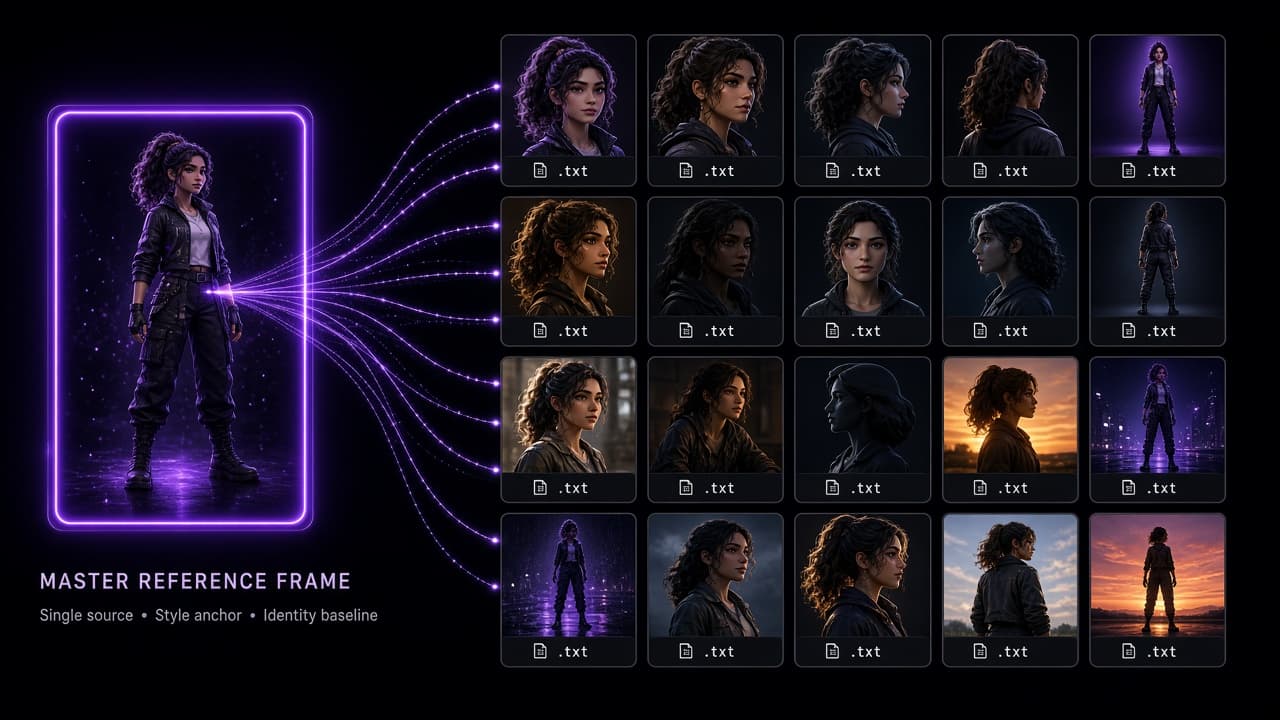
If you only have one reference picture, build the multi-angle set first with a one-image dataset workflow or the LoRA Dataset Studio, then train the video LoRA on that set.
| Dataset | Teaches | Cost to prepare | Best for |
|---|---|---|---|
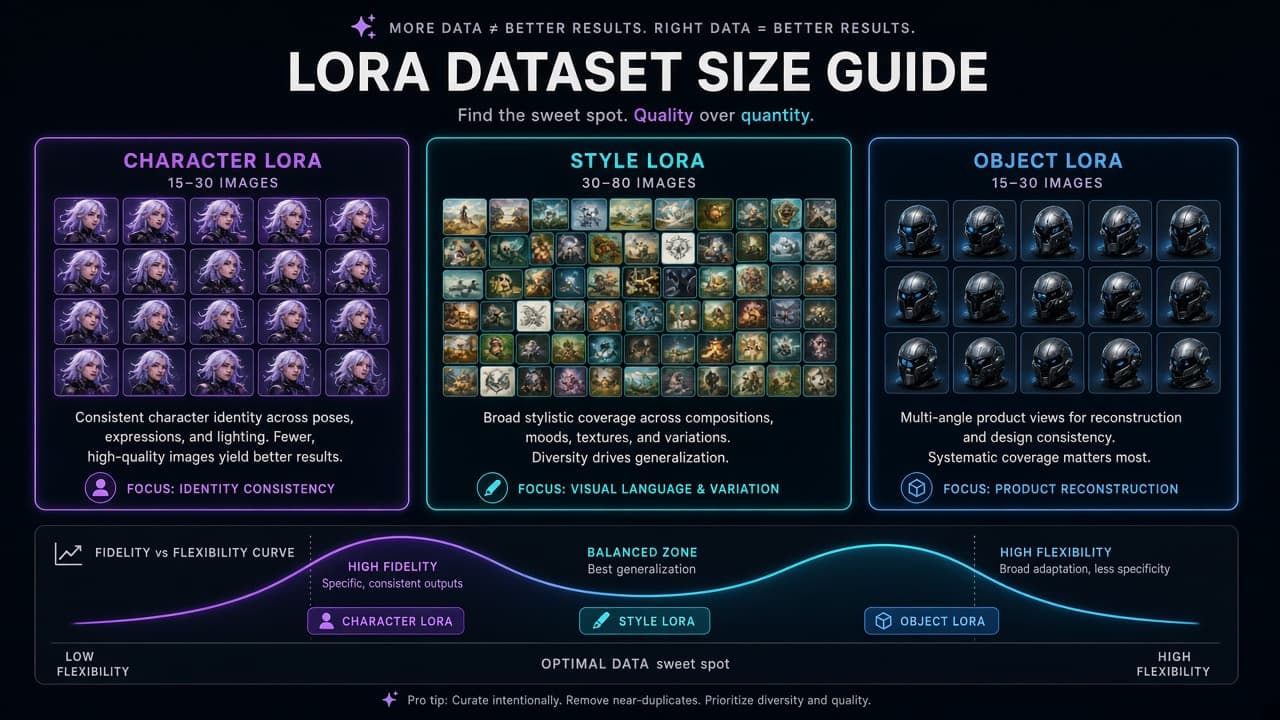
| 20 to 40 still images | Identity, outfit, style | Low, reuse an image LoRA dataset | Character and style LoRAs |
| Images plus 5 to 15 short clips | Identity plus a specific motion | Medium, clips need trimming and captions | Signature movement or camera style |
| Clips only | Motion and appearance together | High, more VRAM per sample | Motion or effect LoRAs |
| Single image plus generated angles | Identity from one reference | Low with a dataset tool | When you only have one photo |
musubi-tuner Dataset Config for Images
musubi-tuner reads a TOML file with a general block and one or more datasets. For an image-only run you point image_directory at a folder of images with matching .txt captions and give each dataset its own cache_directory, because a shared cache mixes items between datasets. The documented example resolution is 960 by 544, and aspect ratio bucketing works the same way as in image training; see the bucketing guide.
To add clips later, add a second dataset with video_directory and target_frames. For HunyuanVideo and Wan 2.1 every frame count must be 4N+1, such as 1, 25 or 45. The docs recommend 16 fps footage for Wan 2.1 and 24 fps for HunyuanVideo, or setting source_fps so frames are skipped automatically.
Captioning Stills for a Video Model
For automatic first drafts, compare the options in our auto-captioner comparison, then edit by hand. Trigger phrase rules are in the trigger words guide.
- Write natural-language captions, not tag lists. Both models use large text encoders (umT5 for Wan 2.1, an LLM for HunyuanVideo) that read sentences.
- Start with a unique trigger phrase, then describe pose, framing, background and lighting so they stay promptable.
- Describe the scene as if it were a moment from a video, for example a woman standing in a kitchen, medium shot, so prompts with motion still match.
- Do not describe the fixed traits you want baked in, such as eye color or a tattoo. The rules in our captioning guide apply unchanged.
Starting Settings for Wan 2.1 and HunyuanVideo
The musubi-tuner docs say the shift values are examples that need experimentation. They also note that Wan 2.1 with fp8 and block swap can train on 720 by 1280 images within 24GB of VRAM. For I2V training, add --i2v and point --clip at the Wan 2.1 CLIP model, or training raises an error.
Rank and learning rate interact the same way as in image LoRAs; see rank vs alpha and optimizer choice. Judge checkpoints on short generated clips, not single frames, because flicker and identity drift show up over time.
| Setting | Wan 2.1 | HunyuanVideo |
|---|---|---|
| Network module | networks.lora_wan | networks.lora |
| network_dim | 32 | 32 |
| Optimizer and learning rate | adamw8bit, 2e-4 | adamw8bit, 2e-4 |
| Timestep sampling | shift, discrete_flow_shift 3.0 | shift, discrete_flow_shift 7.0 |
| Memory savers | --fp8_base, --gradient_checkpointing, --blocks_to_swap | --fp8_base, --gradient_checkpointing, --blocks_to_swap (max 36) |
| Task flag | --task t2v-1.3B, t2v-14B or i2v-14B | Not applicable |
Step-by-Step Workflow
- 01
Collect 20 to 40 varied stills
Cover front, three-quarter, profile and back views, several outfits if they should stay promptable, and close, medium and full-body framing. - 02
Caption in full sentences
Lead with the trigger phrase and describe pose, framing, setting and light. Leave out the traits you want fixed. - 03
Write the dataset TOML
Use image_directory with its own cache_directory, enable bucketing, and keep a resolution around 960 by 544 to start. - 04
Cache latents and text encoder outputs
Run the musubi-tuner caching scripts before training; use the fp8 text encoder flags if VRAM is under about 16GB. - 05
Train and test on clips
Train with the example settings, then generate short clips from each saved epoch with the same prompts and seeds and keep the first one that holds identity without stiff motion.
Frequently asked questions
Can I train a Wan 2.1 LoRA with only images?
Yes. musubi-tuner and diffusion-pipe accept image datasets for Wan 2.1 and treat each image as a one-frame clip. Images teach appearance; add short clips only when you need a specific motion.
How many images do I need for a video character LoRA?
Around 20 to 40 varied, well-captioned images is a practical starting range, the same as a strong image character LoRA. Variety in angle, framing and lighting matters more than raw count.
Why must video frame counts be 4N+1?
The Wan 2.1 and HunyuanVideo VAEs compress time in groups of four frames plus the first frame. musubi-tuner truncates other values to the nearest 4N+1, such as 1, 25 or 45.
Will an image-only LoRA make the character move stiffly?
Usually not, because motion still comes from the base model. Stiffness tends to come from overtraining, so test earlier epochs on short clips.