- LoRA
- Style LoRA
- Art style
- Dataset
- Captioning
- Flux
- SDXL
- Kohya
- AI-Toolkit
How to Build an Art Style LoRA Dataset: Image Count, Captions and Steps
How many images a style LoRA needs, why subject diversity matters, and how to caption content without describing the style for Flux and SDXL.
How Is a Style LoRA Different From a Character LoRA?
A character LoRA learns one identity and should reproduce it in many settings. A style LoRA learns the reverse: one visual treatment, such as linework, brush texture, palette, lighting habits and rendering, that should apply to any subject you prompt. That single difference flips most dataset rules. For a character you vary everything except the face. For a style you vary everything except the look.
The most common failure is a style LoRA that is secretly a subject LoRA. If 25 of your 30 images are portraits of young women, the LoRA will learn that the style means a young woman, and every prompt drifts toward that face. Black Forest Labs makes the same point in its FLUX.2 style training example: the dataset should include diverse angles, subjects and compositions so the model generalizes the aesthetic instead of memorizing scenes. If you have trained characters before, compare this with our image count guide for character LoRAs.
How Many Images Does a Style LoRA Need?
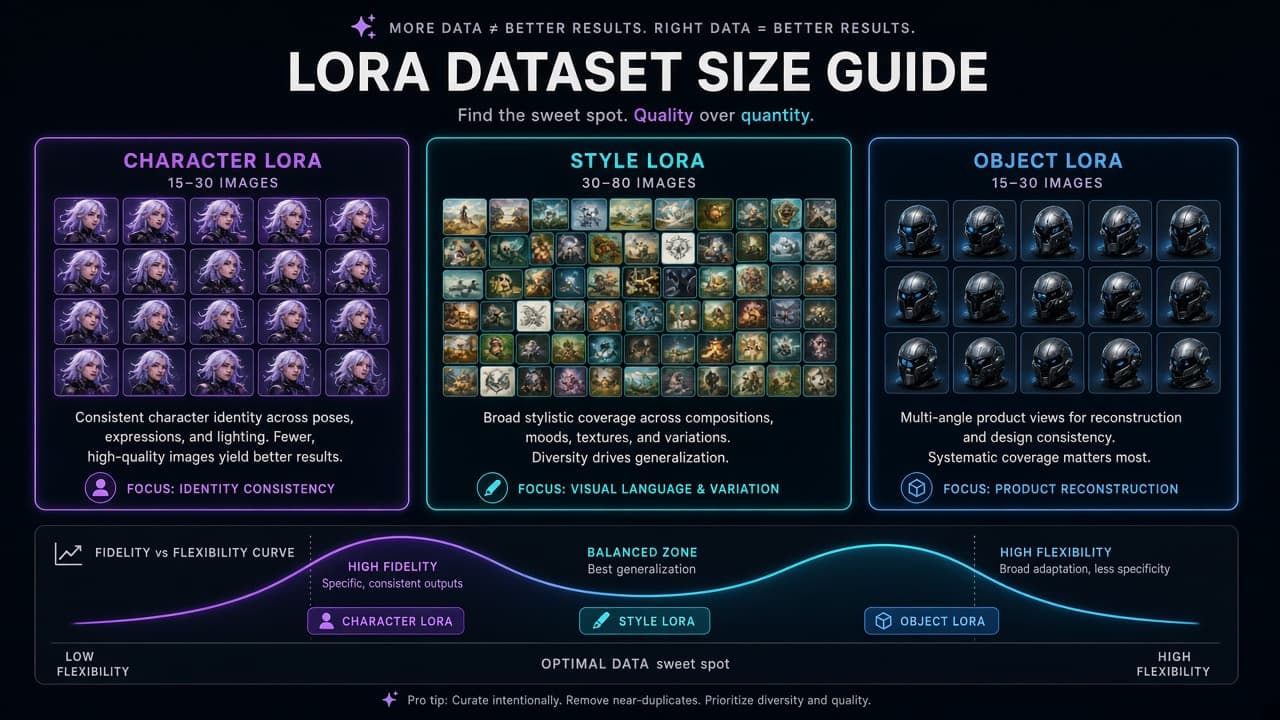
Published guidance clusters around 20 to 60 images. The Black Forest Labs FLUX.2 Klein style example recommends 20 to 40 images and warns that going far beyond that with mixed material can dilute the style. The modl style guide suggests 30 to 60 diverse images and notes that variety matters more than quantity. Broad styles, such as an artist with many periods, sometimes justify more images, but only if every image still reads as the same style.
Quality beats count. The fal FLUX style guide recommends high-resolution images, ideally 1024 pixels or larger, with no compression artifacts, because artifacts are learned as part of the style. Ten clean, consistent images are better than 60 mixed screenshots. Our bucketing and resolution guide explains how to keep non-square artwork without cropping it.
| LoRA type | Typical image count | What must vary | What must stay constant |
|---|---|---|---|
| Art style | 20 to 60 (up to about 100 for broad styles) | Subjects, composition, framing, color scene | Medium, linework, texture, rendering |
| Character | 15 to 30 | Pose, clothing, lighting, background | Face and identity |
| Clothing or outfit | 15 to 40 | Wearer, pose, setting | The garment |
| Object or product | 10 to 30 | Angle, background, lighting | The object |
How to Curate a Style Dataset: Diversity Without Diluting the Style
Start by writing down what the style is in one sentence, for example flat gouache with bold black outlines and a muted teal and orange palette. Every image must match that sentence. Remove pieces from a different period, a different medium, or a collaboration with another artist, even if they are good. Inconsistent images are the main cause of a weak or muddy style.
Then audit the subjects. Sort the remaining images into rough buckets such as people, animals, architecture, landscapes, objects and interiors, and aim for no single bucket above about a third of the dataset. Mix close-ups and wide shots, day and night scenes, and warm and cool lighting if the style allows it. If one subject dominates, the trigger will pull that subject into every image.
Finally, check legal and ethical limits. Training on a living artist's work without permission is contested and may breach a platform's rules, so prefer your own art, licensed sets, public-domain work, or a style you generated and curated yourself. Our guide to training on AI-generated images covers how to clean synthetic sets before training.
- Keep: same medium, same linework, same palette logic, clean high-resolution files.
- Vary: subject, composition, camera distance, time of day, background complexity.
- Remove: watermarks, signatures, text overlays, frames, near duplicates, heavy JPEG artifacts.
- Avoid: one subject above about a third of the dataset, or mixed styles under one trigger.
How to Caption a Style LoRA (Describe Content, Not Style)
The rule for style captions is to describe what is in the image and never how it is drawn. Whatever the caption leaves unexplained is pushed into the trigger. If a caption says a woman in a cafe, crayon drawing, childlike style, the text encoder already explains the look, so the LoRA learns less and only activates when you repeat those exact words. The modl guide shows this effect directly with a crayon dataset.
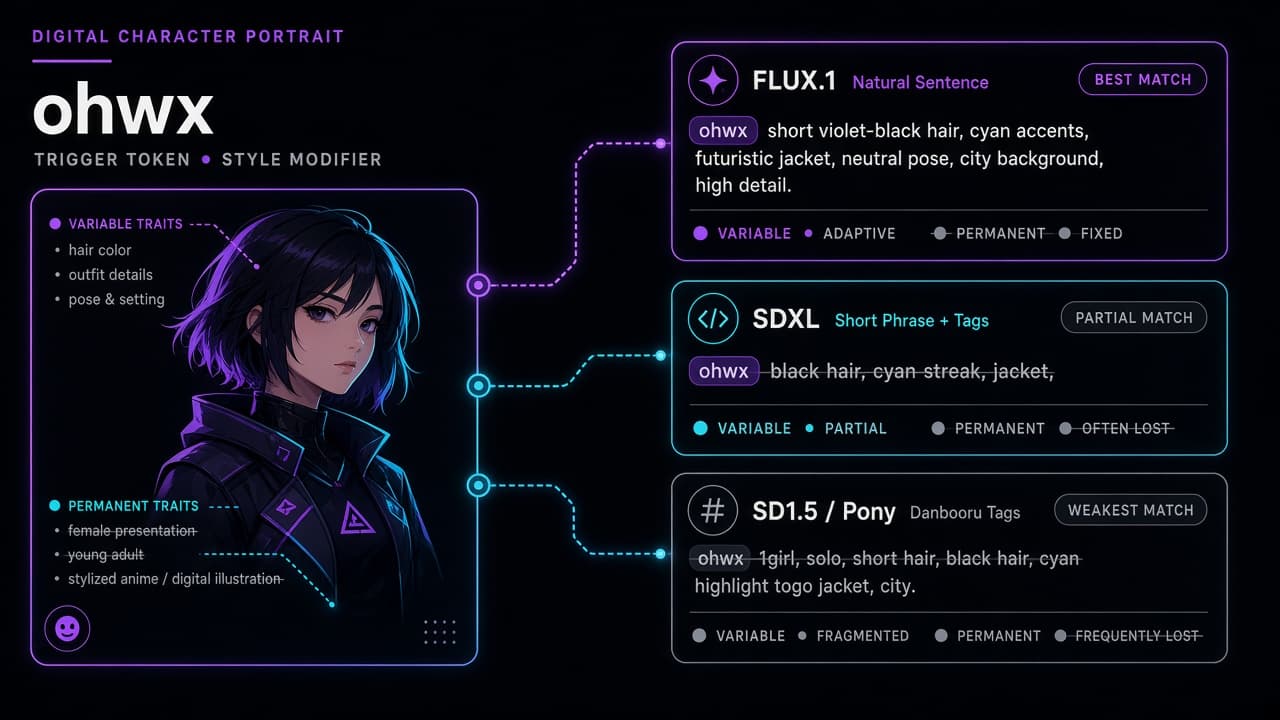
A content-only caption looks like this: zxq style, a woman sitting in a cafe holding a coffee cup, window behind her. No medium, no palette, no brushwork, no artist name. Use natural sentences for Flux, which pairs a T5-XXL encoder with CLIP-L, and short sentences or tags for SDXL, as explained in our trigger word and captioning guide.
Auto-captioners help, but they love style words like illustration, painting or digital art. Run a vision model, then strip every style descriptor in a find and replace pass. Our JoyCaption vs Florence-2 vs Gemini comparison covers which captioners can be prompted to describe content only.
| Strategy | Example caption | Result |
|---|---|---|
| Trigger plus content only (recommended) | zxq style, a fox sitting on a mossy rock in a forest | Style binds to the trigger and transfers to new subjects |
| Trigger plus style words | zxq style, a fox on a rock, watercolor painting, soft pastel palette | Style splits between trigger and words; weaker without those words |
| Trigger only, no description | zxq style | Learns style and content together; overfits on small or uneven datasets |
| No trigger, full captions | a fox sitting on a mossy rock in a forest | Style leaks into everything when the LoRA is loaded |
Starting Training Settings for Style LoRAs on Flux and SDXL
The BFL Klein example suggests about 1,200 to 1,800 steps for small style sets and 1,200 to 2,000 for 20 to 40 images, while the modl presets budget roughly 150 to 200 steps per image at rank 64 and a 1e-4 learning rate for SDXL and Flux. Treat these as ranges, then pick the checkpoint from samples. Rank and optimizer choices are explained in our rank vs alpha guide and our optimizer guide, and the step arithmetic is in our batch size and steps guide.
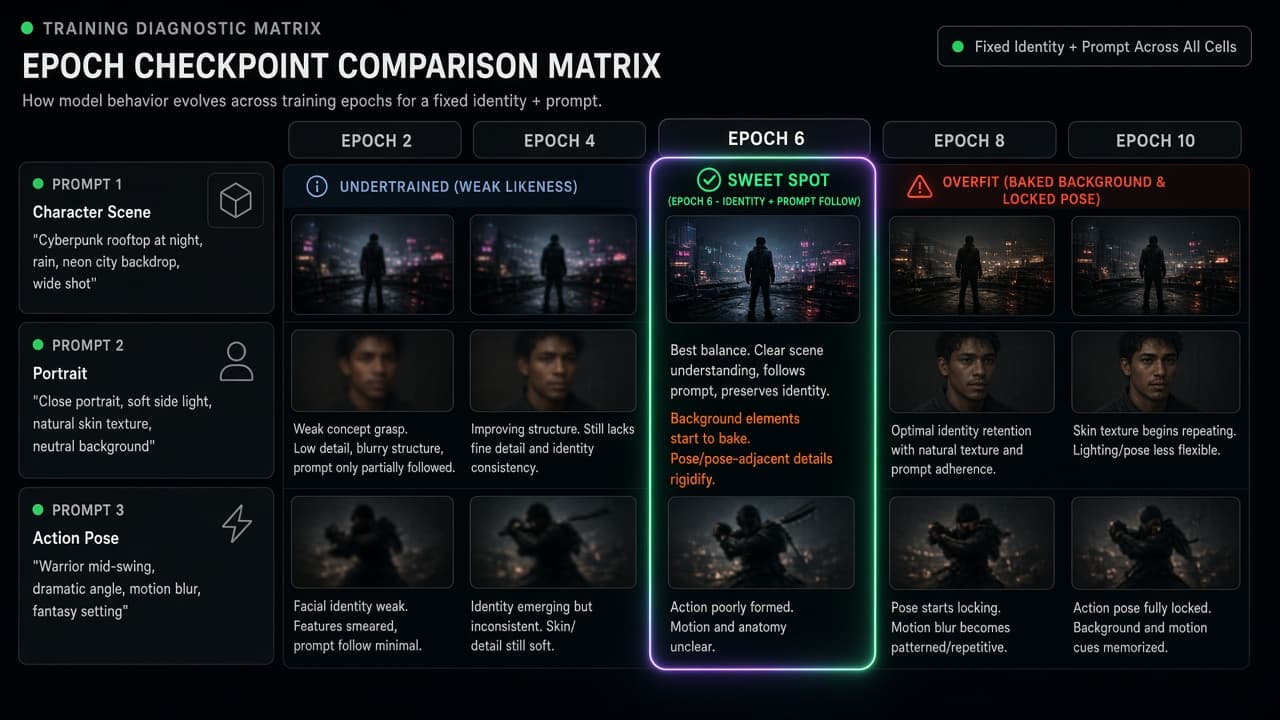
Style LoRAs tolerate longer training than character LoRAs because there is no single face to overcook, but they still overfit. The signs are training subjects reappearing uninvited, compositions copied from the dataset, and colors that ignore your prompt. Compare checkpoints with the method in our overfitting vs undertraining guide.
| Setting | Flux.1-dev | SDXL | Notes |
|---|---|---|---|
| Rank (network dim) | 32 to 64 | 32 to 64 | Styles carry more detail than one face; see the rank guide |
| Learning rate | 1e-4 | 1e-4 | AdamW8bit baseline; Prodigy uses 1.0 |
| Total steps | About 1,200 to 3,000 for 20 to 40 images | About 1,500 to 4,000 | Scale with image count and save often |
| Batch size | 1 to 2 | 1 to 2 | Raise only with spare VRAM |
| Inference strength | 0.6 to 0.9 | 0.6 to 0.9 | Full 1.0 is often too strong for styles |
How to Test a Style LoRA and Fix Common Problems
Test with prompts far from the dataset. If you trained on landscapes and portraits, ask for a car, a robot or a bowl of fruit. A good style LoRA transforms any subject; a weak one only works on subjects it saw. Render the same prompts and seeds at strengths 0.5, 0.7 and 0.9 across several checkpoints and keep the earliest one that holds the look.
If the style is weak, check captions for leftover style words first, then add steps. If one subject keeps appearing, rebalance the dataset rather than lowering strength. If the style only works with the trigger at the start of a long prompt, the captions were probably too short. To turn a single piece of reference art into a varied, captioned starting dataset, try the LoRA Dataset Studio.
- 01
Define the style
Write one sentence describing the medium, linework, palette and rendering that every image must share. - 02
Collect and filter
Gather 20 to 60 clean, high-resolution images and remove off-style pieces, watermarks, text and near duplicates. - 03
Balance subjects
Sort images by subject type and keep any one subject below about a third of the dataset. - 04
Caption content only
Start each caption with a unique trigger and describe only what is shown, never the medium, palette or artist. - 05
Train with checkpoints
Use rank 32 to 64 and a 1e-4 learning rate as a baseline and save checkpoints every few hundred steps. - 06
Test on unseen subjects
Render fixed-seed prompts with new subjects at 0.5 to 0.9 strength and keep the earliest checkpoint that holds the style.
Frequently asked questions
How many images do I need to train a style LoRA?
Most published guides recommend about 20 to 60 consistent, high-resolution images with varied subjects. Fewer than 20 tends to memorize the subjects, and adding many off-style images dilutes the look.
Should I describe the art style in my captions?
No. Describe only the content of each image and start with a unique trigger. Words like watercolor, anime or oil painting let the text encoder explain the look, so the LoRA learns less and only works when you repeat those words.
Can I train a style LoRA without captions?
Yes, with a trigger only, but the LoRA then learns content and style together. It works with large, very diverse datasets and tends to overfit small or uneven ones.
What LoRA strength should I use for a style LoRA?
Start between 0.6 and 0.9. Full strength often overpowers prompts and composition, while values below 0.5 may barely change the image.
Is it legal to train a LoRA on another artist's style?
It is legally unsettled and depends on your jurisdiction, the source of the images, and the platform rules. Your own art, licensed or public-domain work, or curated generated images are the safest sources.